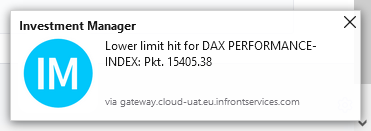
To receive a system (that is, desktop) notification if a price alert is triggered:
-
In the
Settings
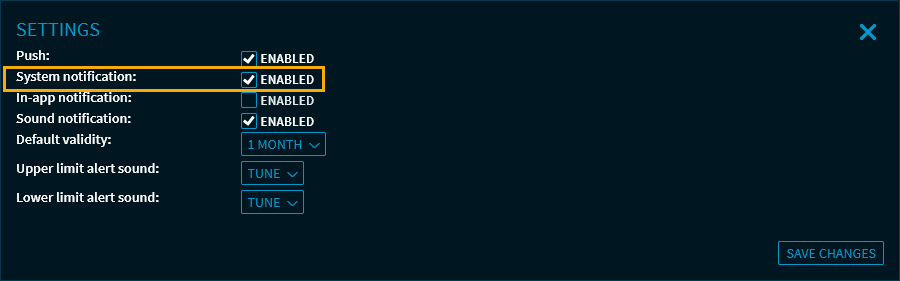
of your "Alerts" widget, select the "System notification" checkbox and save the settings.
-
When configuring or editing your alerts, select the "System notification" checkbox in the "Notifications" area and save the settings.
Now, you will receive a desktop notification in the notification area of your operating system if an alert is triggered.