
In the “Full Holdings” widget, you can view the holdings contained in the selected fund. Use the familiar securities search function in the header to select the fund you require.
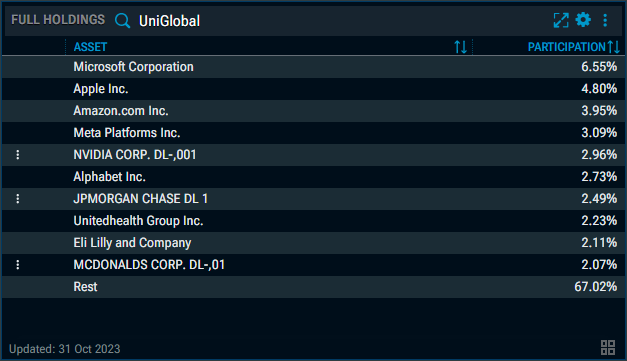
Specifically, the list contains the following columns:
|
Column |
Description |
|---|---|
|
Securities menu |
If available for a position, you will find the familiar securities menu for that position on the far left. |
|
Asset |
The name of the holding in the fund. |
|
Participation |
The percentage of the fund represented by the position. The list is sorted by this column by default. |
See also: