
In this widget, all data fields for a security are shown in one place.
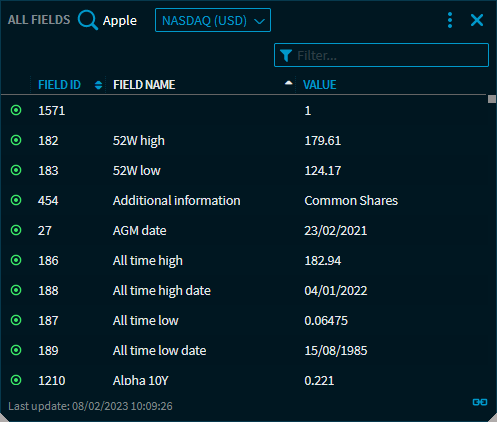
The table contains the following columns:
|
Column |
Description |
|---|---|
|
Field ID |
The unique field ID in the field list. The green symbol before the field ID shows that you have a permission for this field. |
|
Field name |
The unique field name. The list is sorted by this column by default. |
|
Value |
The value of this field for the security currently selected. Depending on the field type, these can be amounts, percentages or dates. |
Click a column header to re-sort the table. Use the filter function to filter the comprehensive field list by your filter criteria:
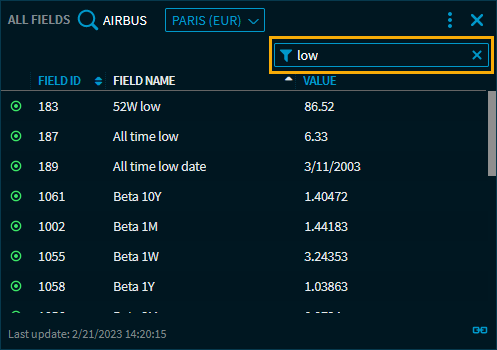
When you enter a search term in the filter search field, you see results already when you start typing.