
With the "Watchlist" widget, you can see all your favourite securities at a glance.
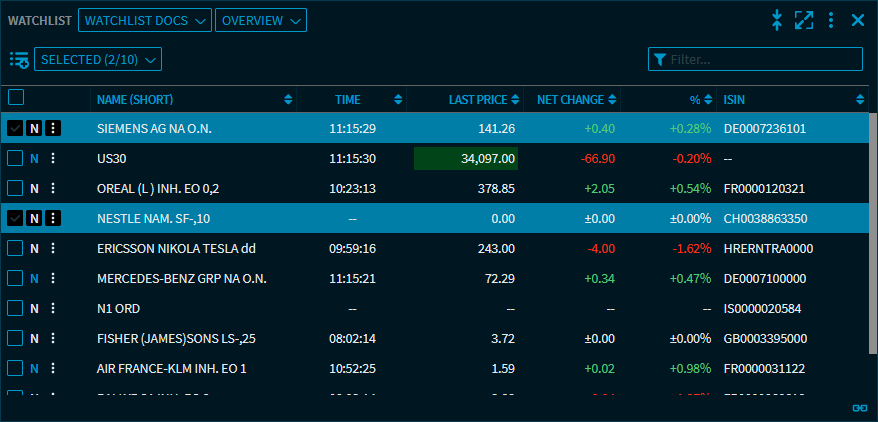
Similar to the "Portfolio" widget, you find, in addition to the classic overview, the "Gainers/Losers" view of the positions as well as a correlation matrix and a risk/return matrix for securities. In addition, you have the option to show all securities of the watchlist in a ticker tape.
-
Create new watchlist -
Open watchlist -
"Select watchlist" menu -
Add security to a watchlist -
Edit position of a watchlist -
Copy or move position to another watchlist -
Delete position from a watchlist -
Standard elements of the "Watchlist" widget -
Views in the "Watchlist" widget -
Edit watchlist -
Copy watchlist -
Export watchlist -
Import watchlist -
Delete watchlist -
Settings in the "Watchlist" widget