
With this (optional) widget you can access the same portfolios that are available in your Infront PMS.
The widget can also be grouped with other widgets in a dashboard in order to be able to analyse individual items in more detail.
The instrument menu is also available to call up dashboards or PDF portraits directly, for example.
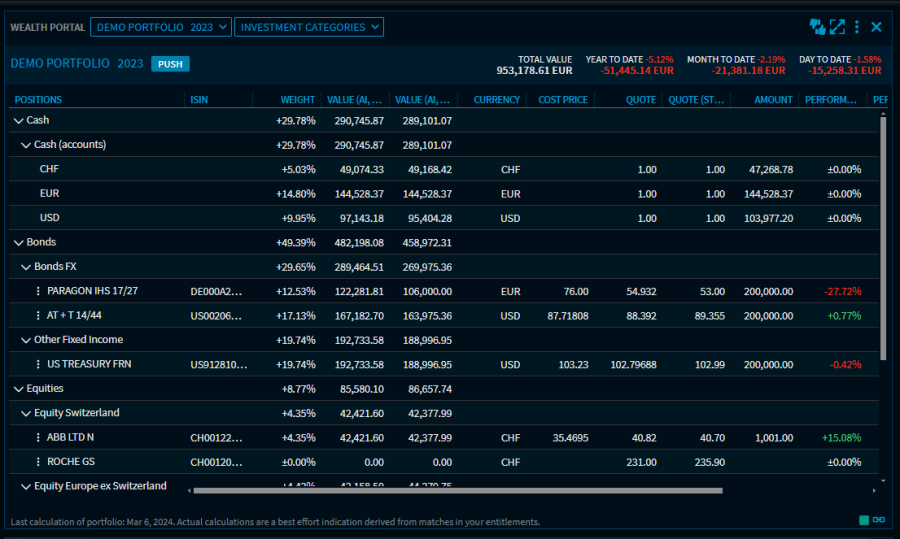
Views in the "Wealth Portal" widget
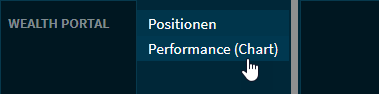
In the "Wealth Portal" widget you can switch between the “Positions” (default), “Performance (Chart)” and “Chart gallery” views via the view selection list at the top of the widget.
You can display a benchmark in the performance chart.