
You can now define rating alerts for ratings.
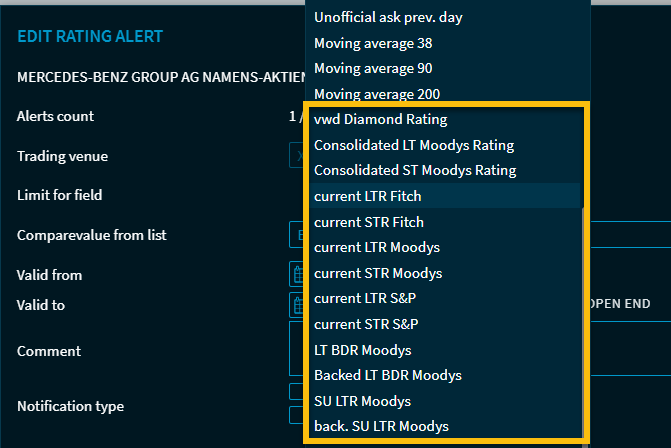
If you have selected a field of the type “Rating” in the field list in the “Edit price alert” dialog box, the following editing fields are available to you:

First select the so-called rating operator in the first selection list. The following operators are available:
-
Change
-
Equal
-
Unequal
-
Covered in list
-
Not Covered in list
-
Greater than
-
Greater than or equal to
-
Less than
-
Less than or equal to
Depending on the selected operator, you can then use the other selection lists to select the desired ratings.

The list is static and does not depend on your authorizations so that you can set the alerts for ratings even if an instrument receives a rating, for example.
To display the defined rating alerts, please also read the “Rating” view in the “Alerts” widget section.