
You can edit displayed drawing elements and labels at any time. To do this, follow these steps:
-
Select the drawing element or label in the chart.
-
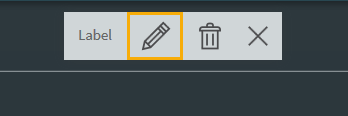
Click the "Edit" icon in the widget menu.
-
Make the required changes in the dialogue box that appears
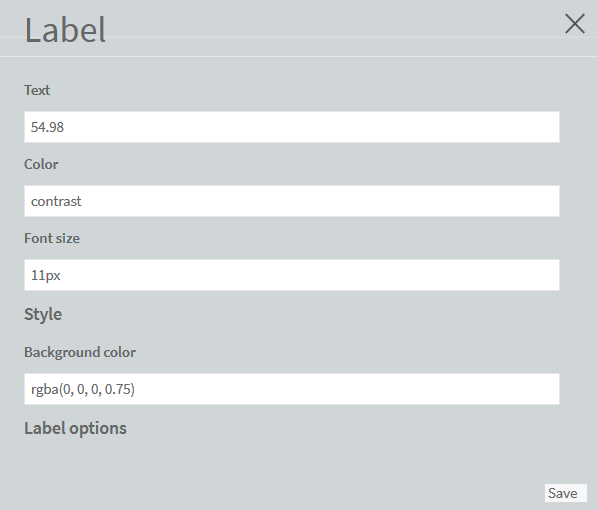
Depending on the element, a wide variety of settings is available, such as for colours, text or font size, allowing you optimally configure your drawings. -
Click the "Save" button to save the changes.
The display is changed accordingly.