
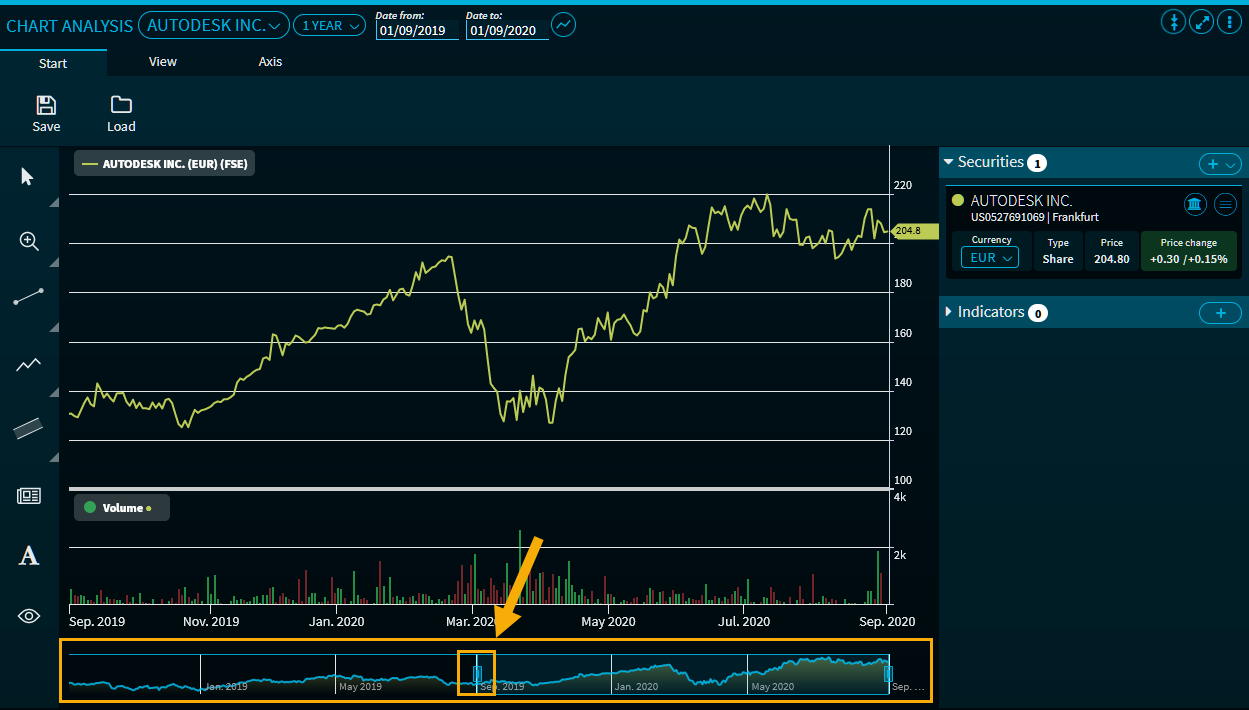
At the bottom of the chart window of the "Chart Analysis" widget, you will find a zoom bar. Zooming into a selected period is done by moving the mouse (or swiping on mobile devices). You can also zoom several times.
Within the set period (1 hour to max.), the selected zoom period is then displayed in the date fields at the top ("Date from" and "Date to").

-
Zoom X (standard zoom, horizontal zoom)
-
Zoom Y (vertical zoom)
-
Zoom XY (zoom in both directions)
Use the "Reset zoom" button, which appears in the upper right corner of the chart, to reset the set time period.