
For the main instrument in the "Chart Analysis" widget, you can directly start a news search. To do this, follow these steps:
-
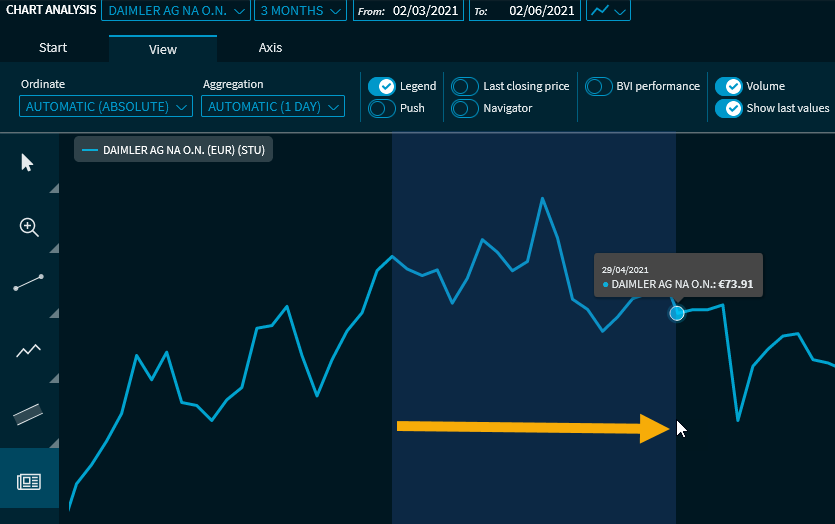
Select the "News search" button on the left side of the widget.

-
Then click in the chart at the relevant start date and drag the interval to the relevant end date while holding down the mouse button.
-
If you release the mouse button, a "News Search" widget for the security for this period will be opened directly. Decide where the widget should be inserted in the dashboard.
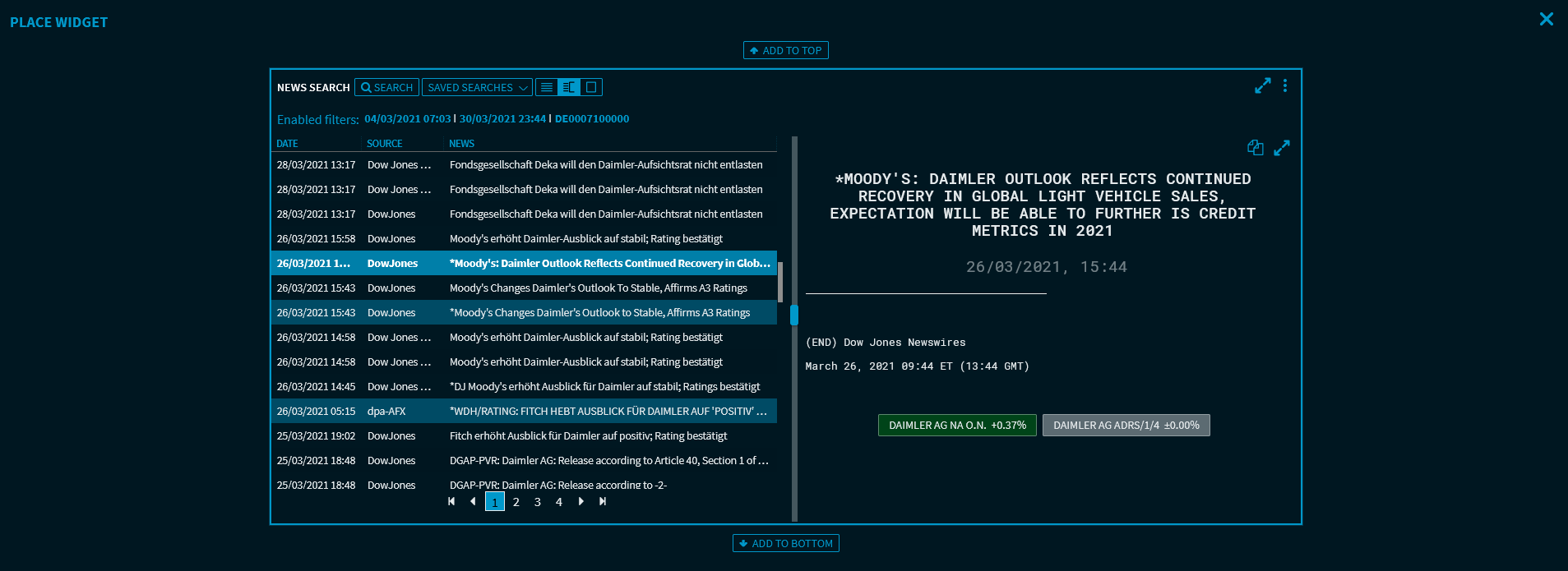
This adds the new "News Search" widget.