If you have displayed the technical indicators in the "Chart Analysis" widget as described in Show indicators, then you can select their chart colours individually. To do this, follow these steps:
-
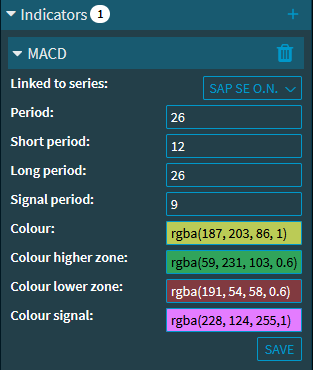
You can expand the properties of the displayed indicator in the securities selection window on the right-hand side.
-
Click in the "Colour" input field
-
Select the corresponding colour from the menu that appears.
-
Finally, click the "Save" button.
This updates the display of the indicator.
The following options are available in the colour selection:
-
Directly select the colour from the upper colour selection field
-
Select a predefined colour from the displayed colour fields
-
Select via slider (also for the colour setting of the colour field above)
-
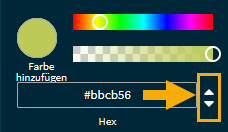
Enter the hexadecimal code, RGB or HSLA values; the selection is made using the arrows to the right of the input field: