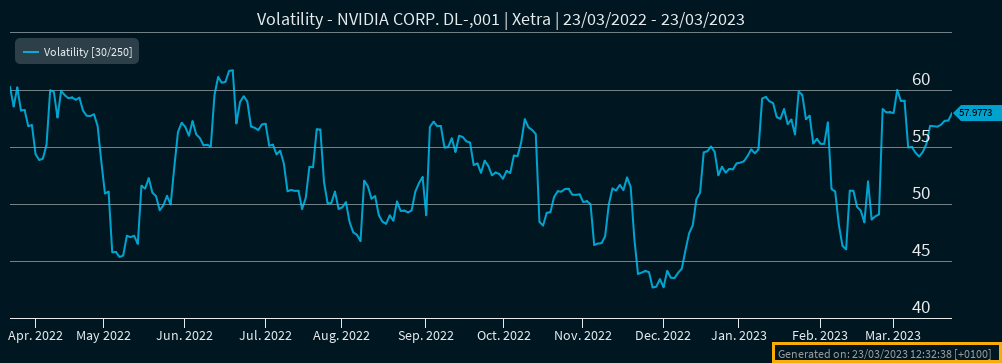
You can export charts as images from the widgets "Chart", "Chart Analysis", "Fund Comparison", "Certificate Comparison" and "Volatility Chart". The following export formats are available:
-
CSV
-
PDF
-
PNG
-
JPEG
-
SVG
-
INFRONTXL (with licensed Excel Add-In)
To export charts as graphics:
-
Open the corresponding private dashboard with the widget or open a "Chart" widget from the Widget Gallery.
-

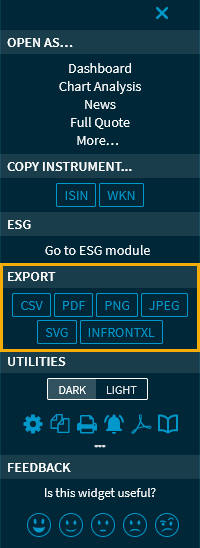
-
In the "Export" section of the menu, click one of the buttons, for example, "PNG".
You can save the exported graphic or edit it in your graphics editing program. Likewise, you can open exported PDF files directly in a PDF viewer. The exported files receive a timestamp with the date and time of the export. PDF files can also display the logos, headers and footers configured for printing. For more information, see Configure print layout.