
In the Widget Gallery, you select the Widgets that you want to add to your private dashboards. The widgets available depend on your licence. You can find the Widget Gallery on the right side of Infront Investment Manager.
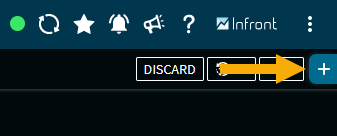
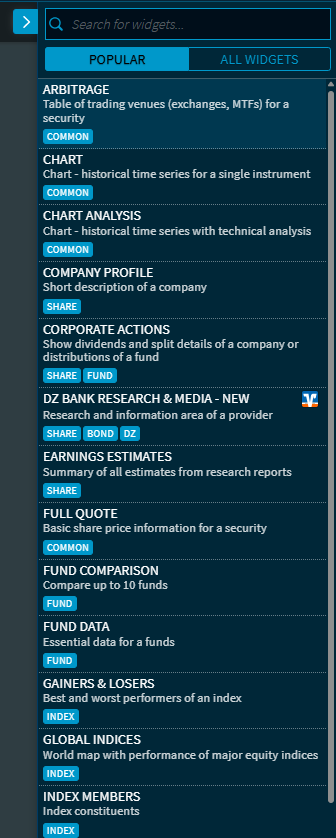
If you have opened the Widget Gallery by clicking the "Add widget" icon, you can search for widgets by using the upper search field or directly open widgets.
By default, the most frequently used widgets are displayed in the “Popular” section. You can switch to the complete list of widgets by clicking on the “All Widgets” button. The search function, which is still located at the top of the widget gallery, searches all widgets. It is also possible to filter by assigned categories. To do this, simply click on the respective category (e.g. “Share”, “Common”, “Bond”, “Portfolio”, etc.).
In the sections, the widgets are sorted alphabetically.
To open a widget in the dashboard, just click the widget in the Widget Gallery. The widget appears at the bottom of the dashboard.