
You can also view the securities of a watchlist as a "Top Flop" list. Select the "Top Flop" view from the second drop-down list in the upper part of the widget.
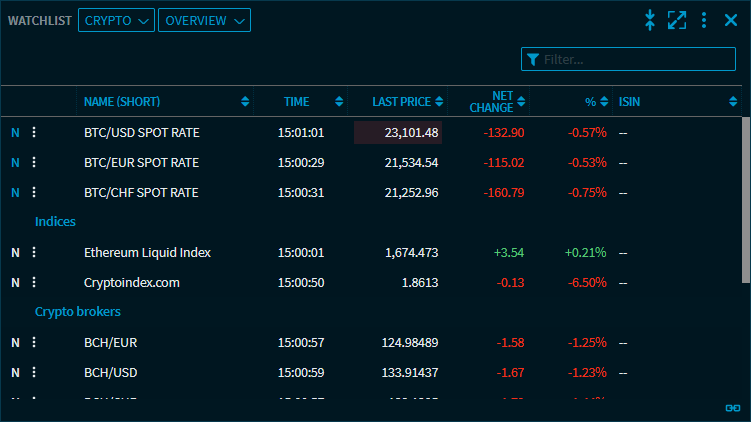
By default, the view shows the five greatest gainers and five greatest losers. The calculation of the ranking is sorted by the percentage change against the previous day's close ("%" in the drop-down list).
The settings of this view allow you to configure the number of securities to be displayed (from 2 up to a maximum of 20 securities).
The drop-down list above the risers and fallers allows you to select different criteria like performance intervals or volumes.
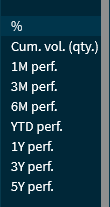
The "Top Flop" analysis in the "Watchlist" widget corresponds to the table in the "Top/Flop" widget, see Gainers & Losers.

In the "Top Flop" view, you find this menu icon at the start of each security. This icon allows you to quickly open individual securities as a chart or Full Quote.