
You can pin a ticker tape to the top dashboard bar so that it is always visible at the top of the screen even when scrolling.
To do this, follow these steps:
-

-
In the "Dashboard properties" dialogue window that appears, select the "Add ticker tape" checkbox.
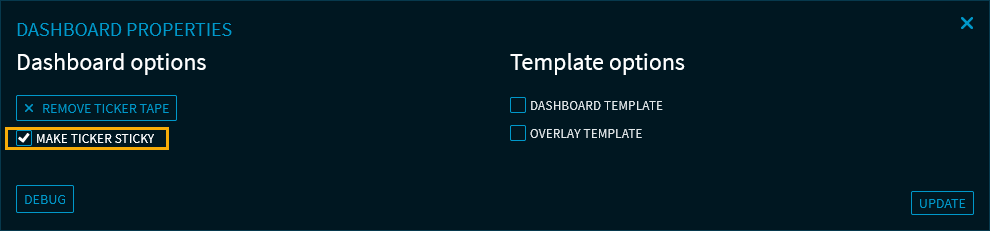
-
Finally, click the "Update" button to apply the configuration and close the "Dashboard properties" dialogue window.
The ticker tape is now pinned at the top.