

Alternatively, you can use the "Settings" command in the widget menu.
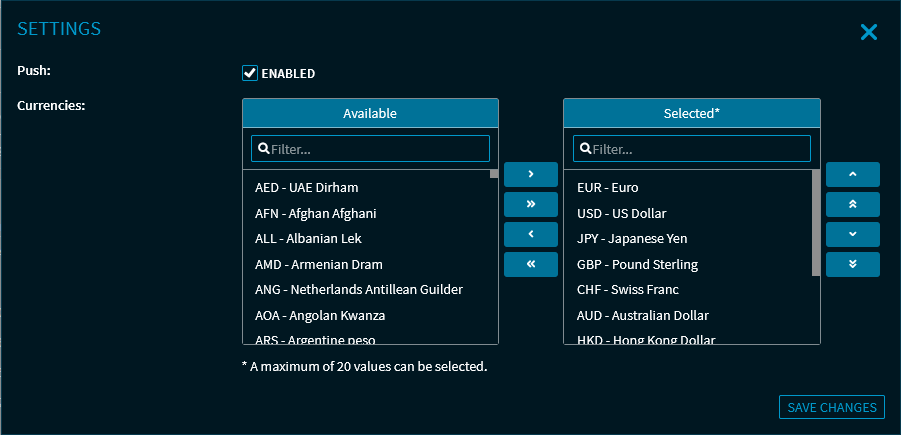
Here, you can make the following settings:
-
Enable or disable the push data feed
-
Replace currencies in the FX Matrix
-
Add new currencies
For more information about the widget settings, see Commands in the widget menu.
For more information about showing and hiding currencies, see Add currencies to FX Matrix.