
To replace a currency in the FX Matrix, for example "ZAR - South African rand" by "NOK - Norwegian krone":
-

-
Select "Settings" in the widget menu.
-
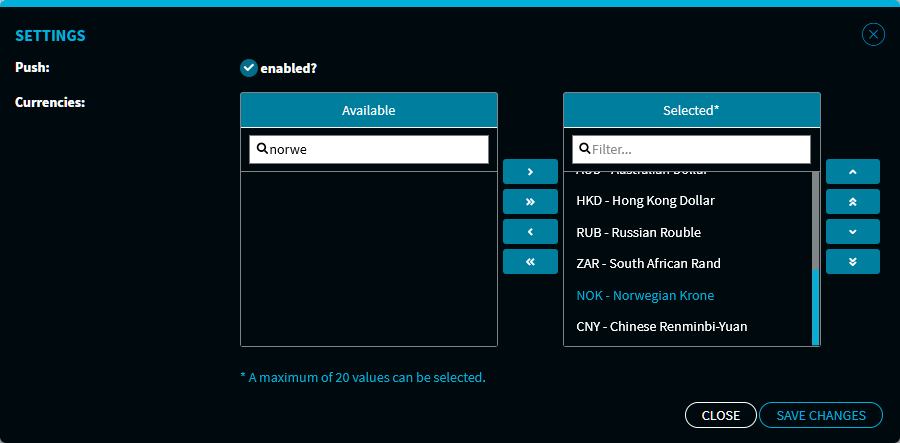
In the "Settings" dialogue window that appears, select the "ZAR - South African Rand" entry in the "Selected*" box.
-

-
Now, use the filter in the "Available" box to find and select the "NOK - Norwegian Krone" entry.
-

-
Click the "Save changes" button to save your selection.
The "Settings" dialogue window closes and the new currency is shown in the FX Matrix at the position selected.