

Alternatively, you can use the "Settings" command in the widget menu.
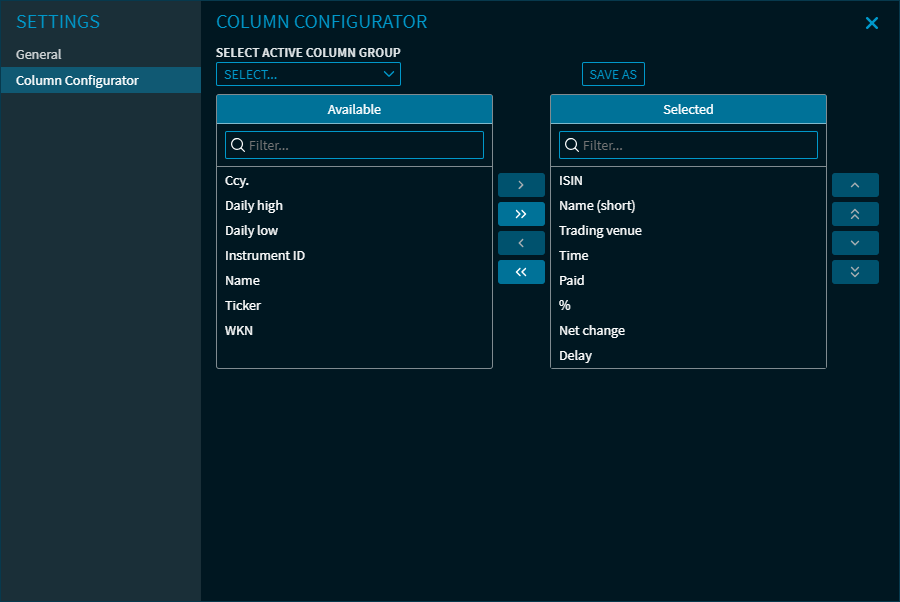
Here, you can make the following settings:
-
Enable or disable the push data feed
-
Shows or hides columns of tables (in the example, the columns of the "Table" view).
-
Settings in the "Correlation Matrix" view (with the corresponding view selected)
The setting options of the "Correlation Matrix" view corresponds to those in the "Correlation Matrix" widget. Because the correlation of the indices is calculated here, there are no settings for dividends and corporate actions. For more information about the settings, see the section Settings in the "Correlation Matrix" widget.
For more information about the widget settings, see Commands in the widget menu.