
You can create selected securities of a corresponding vwd page as a new portfolio and open it in a "Portfolio" widget. To do this, follow these steps:
-
If necessary, open the vwd page.
-
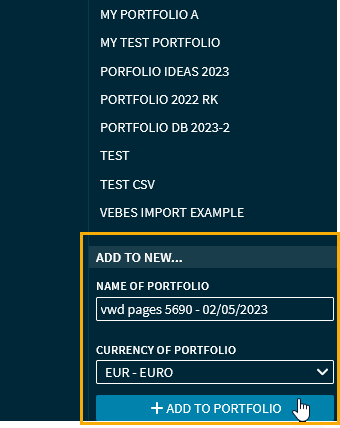
Then select the "Add to portfolio" command from the "Selected" drop-down list and then enter a name for the portfolio to be created in the "Add to new" area or accept the suggested name.
-
Then select the button "Add to portfolio".
This creates the new portfolio, which can be opened and edited in the "Portfolio" widget under the selected name.
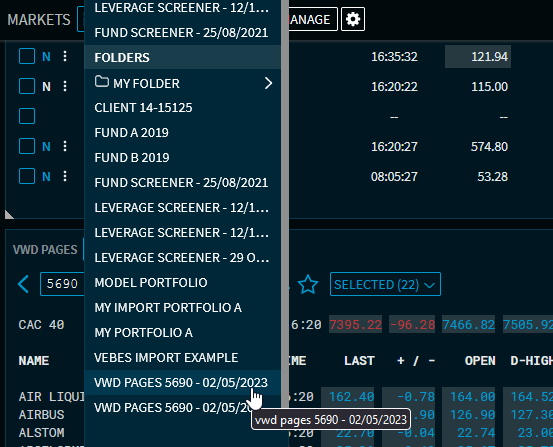
Securities added from a vwd page get the note "Added from security export" in the portfolio.