

Alternatively, you can use the "Settings" command in the widget menu.
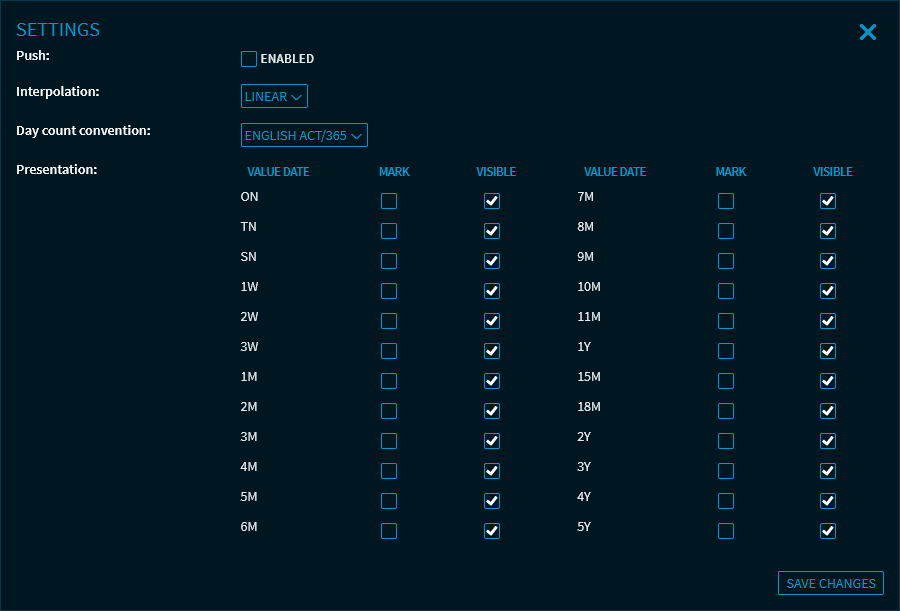
Here, you can make the following settings:
|
Field |
Description |
|---|---|
|
Push |
Here, you can use the "enabled" checkbox to enable or disable the push data feed. |
|
Interpolation |
Select the type of interpolation from this drop-down list. You can select from the following options:
|
|
Calculation method |
Select the yield day count convention from this drop-down list. You can select from the following methods:
|
|
Display |
Specify which value date periods are to be displayed. To do this, select or clear the corresponding checkboxes in the "Visible" column. You can also use the checkboxes in the "Highlighted" column to specify which of the displayed values should be highlighted in colour. |
For more information about the widget settings, see Commands in the widget menu.