

Alternatively, you can use the "Settings" command in the widget menu.
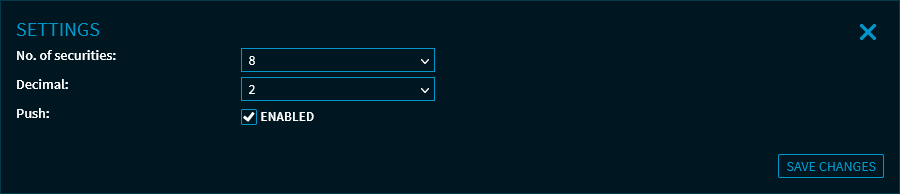
Here, you can make the following settings:
-
Specify the number of securities ("8" by default – 4 risers and 4 fallers; the maximum is "20")
-
Specify the number of decimal places ("2" by default, possible values are 0-4)
-
Enable or disable the push data feed
For more information about the widget settings, see Commands in the widget menu.