

Use the "Widget settings" icon to open the "Settings" dialogue window for configuring the widget.
Alternatively, you can use the "Settings" command in the widget menu.
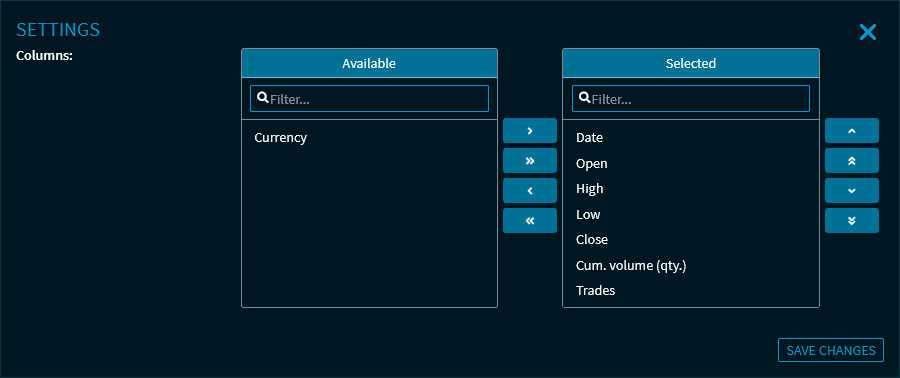
Here, you can show or hide the columns of the price table.
See also Show and hide columns of the widgets via the settings.
For more information about the widget settings, see Commands in the widget menu.