

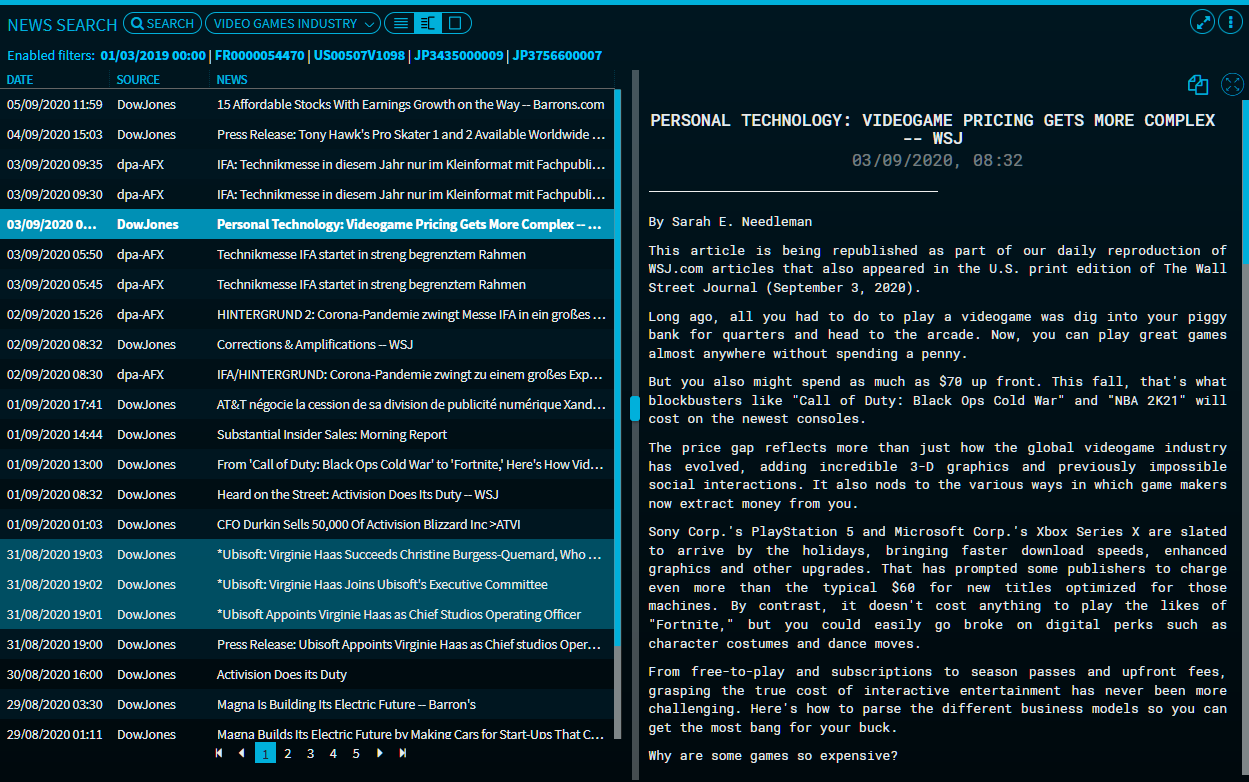
By default, the widget uses a two-column display, showing the titles of incoming news on the left side and the corresponding news texts on the right side. Use the icons at the top of the widget to change the display:
|
Icon |
Description |
|---|---|
|
|
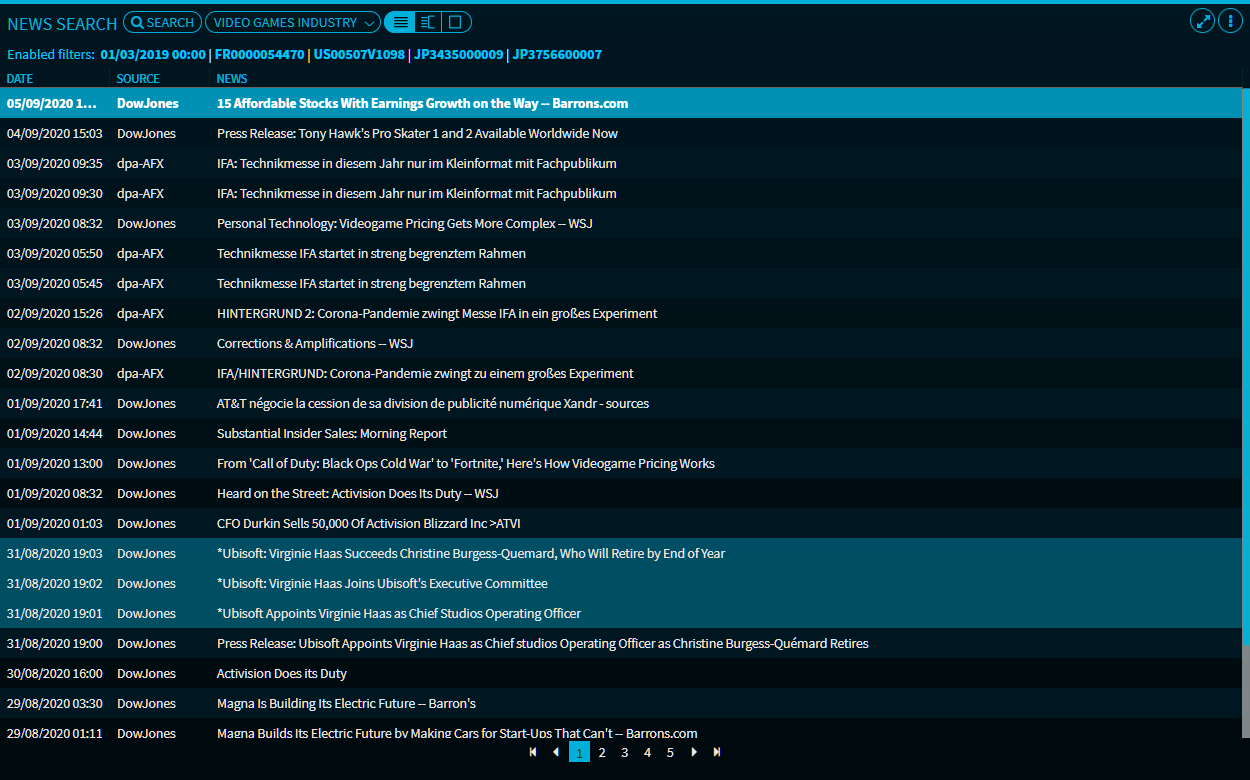
List view Click this icon to display only the list of news headlines in the widget. |
|
|
Column view (default setting) With this setting, the widget displays the headlines of incoming news on the left side and the corresponding news texts on the right side. |
|
|
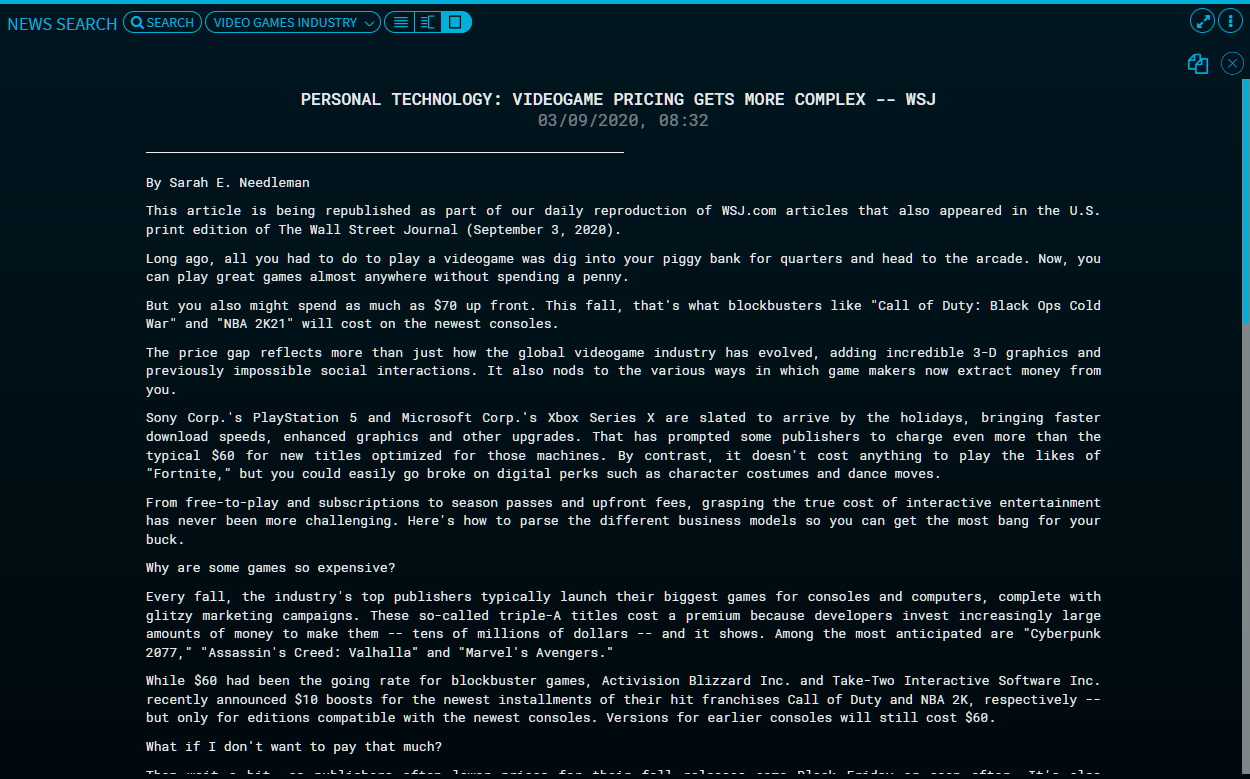
Text view Click this icon to display only the news text ("Story") of the currently selected news item. |
|
|
Text view You can also use this icon in the upper right corner of the news text to display the news text across the entire widget. |



If the widget is only displayed in one column, then the icons are hidden. Drag the widget wider to show the icons at the top.