

Use the "Widget settings" icon to open the "Settings" dialogue window for configuring the widget.
Alternatively, you can use the "Settings" command in the widget menu.
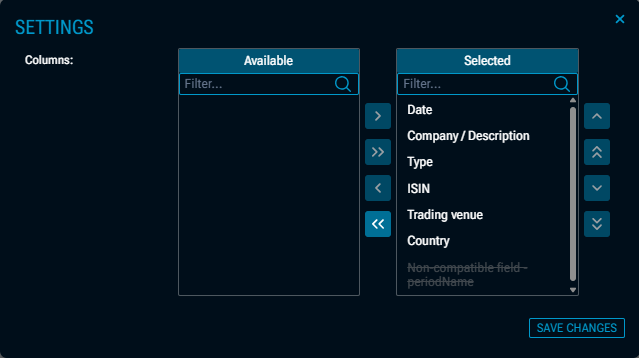
Here, you can show or hide the columns of the table. This feature is particularly useful when using multiple data sources.