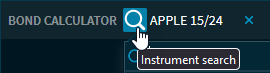
In the "Security selection" at the top of the Bond Calculator, you can search for a bond using the integrated quick search via the "Instrument search" icon. When you selected a bond, you see the following data:
|
Field |
Description |
|---|---|
|
Instrument search |
At the top left of the widget, you will find the instrument search as usual. Here, you start the search for a bond. If you have selected a bond, you will always see the name of the bond to the right. |
|
ISIN |
The ISIN (International Securities Identification Number) of the bond is displayed together with the WKN on the right side of the widget. |
|
WKN |
The bond's security identification number is displayed together with the ISIN on the right-hand side of the widget. |
|
Trading venue |
The trading venue of the selected bond. |
|
Price with date |
Below the ISIN, you see the current price including he price change, tend arrow and price date. |
|
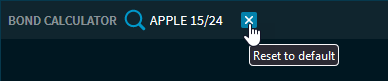
"Reset to default"
|
The selection of an existing bond for the scenario calculation is not mandatory, you can also use this function to "create" your bond. |