
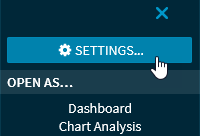
Select the "Settings" command at the top of the menu to configure the widget.

Alternatively, you can use the "Widget settings" icon in the widget header.
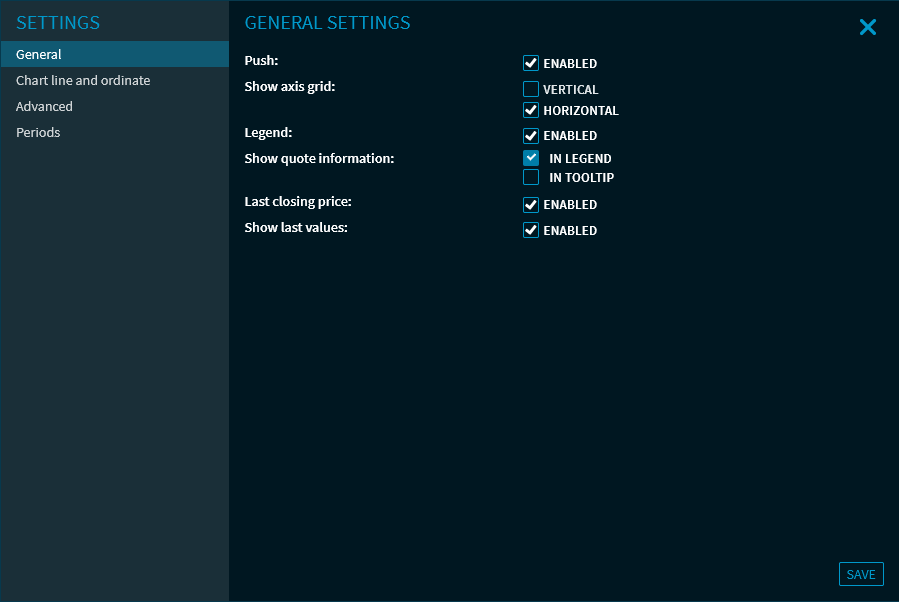
Depending on the widget, you can, for example, enable the push data feed, hide or show columns for widgets with tables or select the benchmark and volume in charts.
Complete the configuration with the "Save" button (or, in some widgets, the "Save changes" button) to apply the configuration.
To close the dialogue window easily, you can use the "Close" icon at the top of the dialogue window.
Some widgets (for example, the "News search" widget) cannot be configured, in these cases the "Widget settings" icon in the widget and also the corresponding "Settings" command in the widget menu are not available.