
In all widgets that do not have any other settings options apart from push data, you will find the “Push” menu command in the widget menu.
Drag the slider to the right to activate push data.
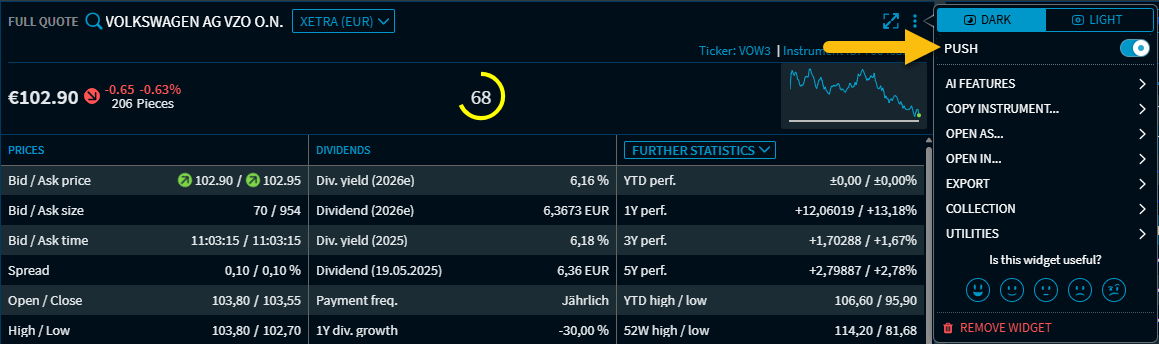
You can find this command in the following widgets in the widget menu, for example:
-
Full Quote
-
Trading Quote
-
Bond Data
-
Broken Date Calculator
-
FX Option Calculator
-
Top Derivatives and New Issues
-
vwd Pages
In all other widgets with push data, you will find this switch in the widget's “Settings” dialogue box instead of in the widget menu.