

For this chart widget, you can then decide in the "Place widget" window that appears whether you want to place the widget at the top of the dashboard ("Add to top" button) or at the end of the dashboard ("Add to bottom" button):
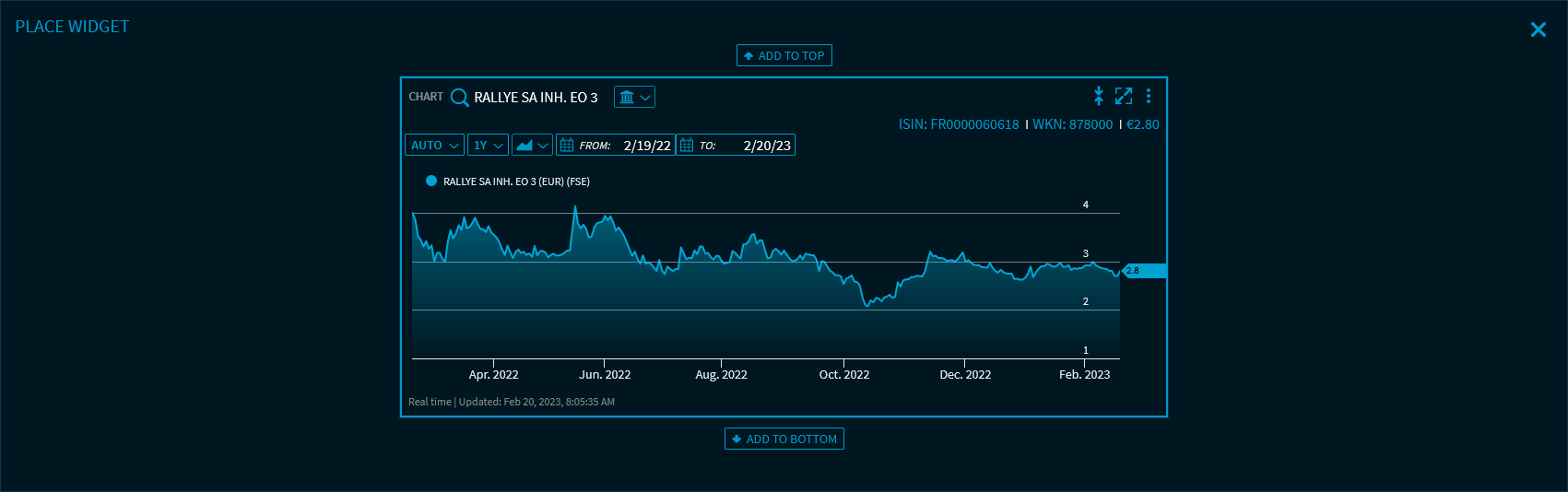
The new widget then opens in the dashboard.
The "Open as" menu item is available in widgets for single instruments such as the "Full Quote", "Time & Sales" or the "Arbitrage" widget.

In widgets for multiple securities, you find this icon at the start of each row of a security. This allows you to quickly open securities shown in securities lists, watchlists and index lists or in portfolios as a "Chart" widget.