Assetmax Portfolio: New view "Portfolio comparison" (Improvement – IM-14801)
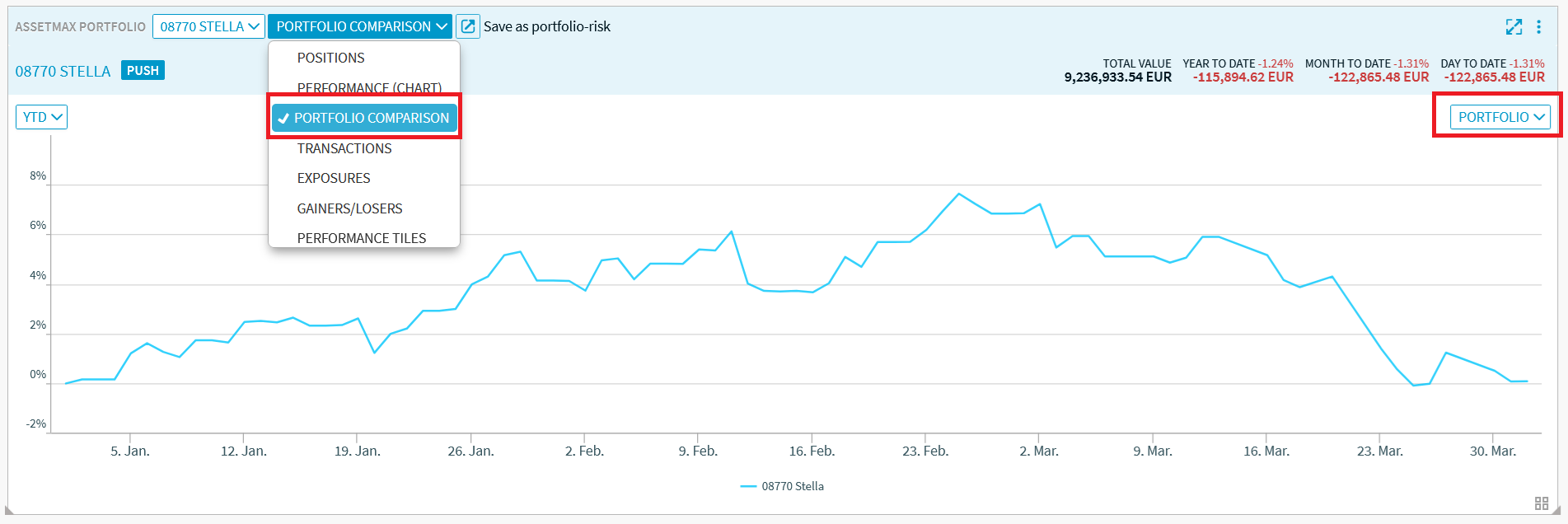
The new “Portfolio Comparison” view is now available in the “Assetmax Portfolio” widget.
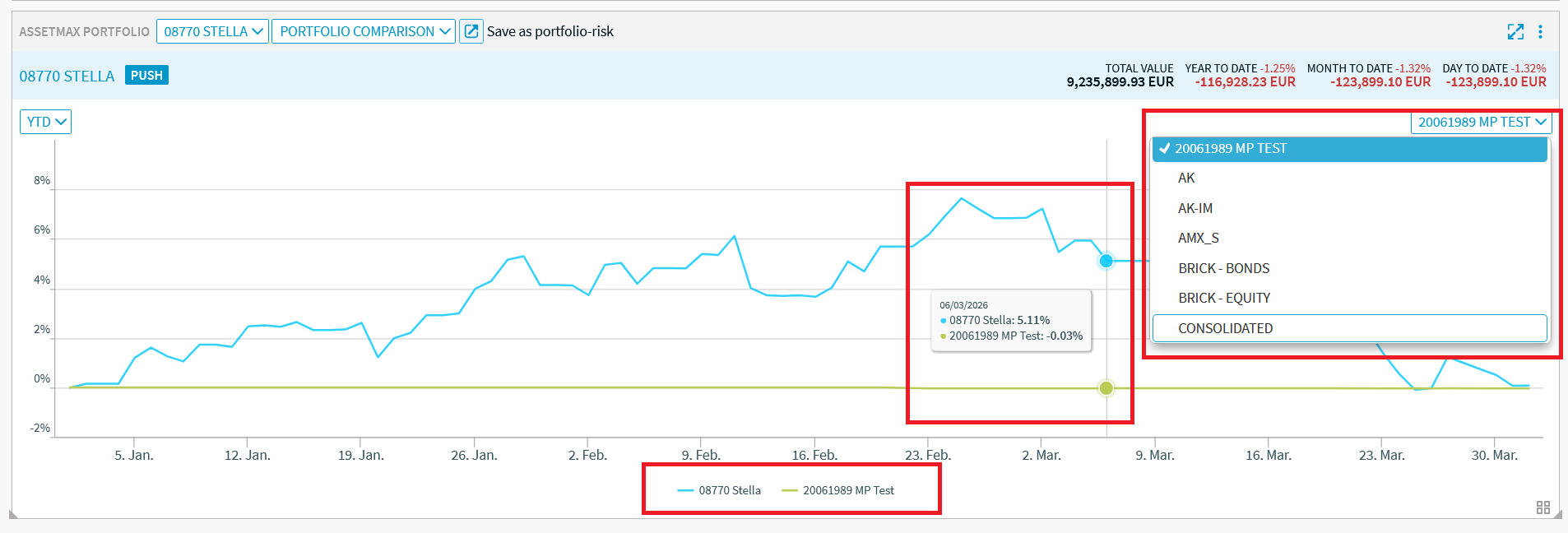
You can select this new view from the view selection list at the top of the widget. Then select the desired benchmark portfolio from the list of available portfolios in Assetmax.
The benchmark portfolio is shown in the chart:
Exchange Calendar: Column selection (Improvement - IM-14890)
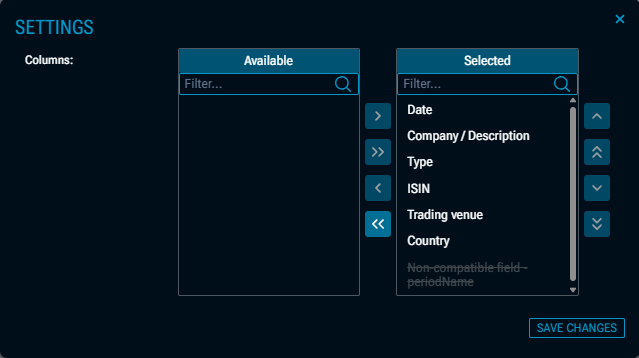
In the “Exchange Calendar” widget, you can now choose which columns to display. This new feature is particularly useful when using multiple data sources.

You can filter the columns as usual via the settings dialogue, which you can open using the “Settings” icon or the SETTINGS command in the widget menu.
Dashboards: "Clear" button in the settings (Improvement – IM-14968)
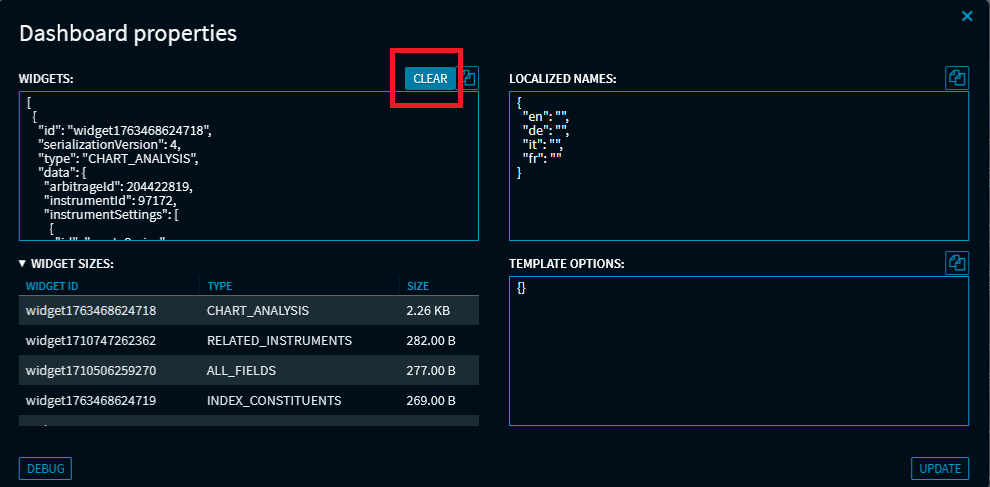
In the dashboard properties, advanced users will find a new “Clear” button when debugging. This button allows you to quickly remove all widgets from the current dashboard.
Index Members: New view "Heatmap" (Improvement – IM-14843)
The new “Heatmap” view is available in the “Index Members” widget.
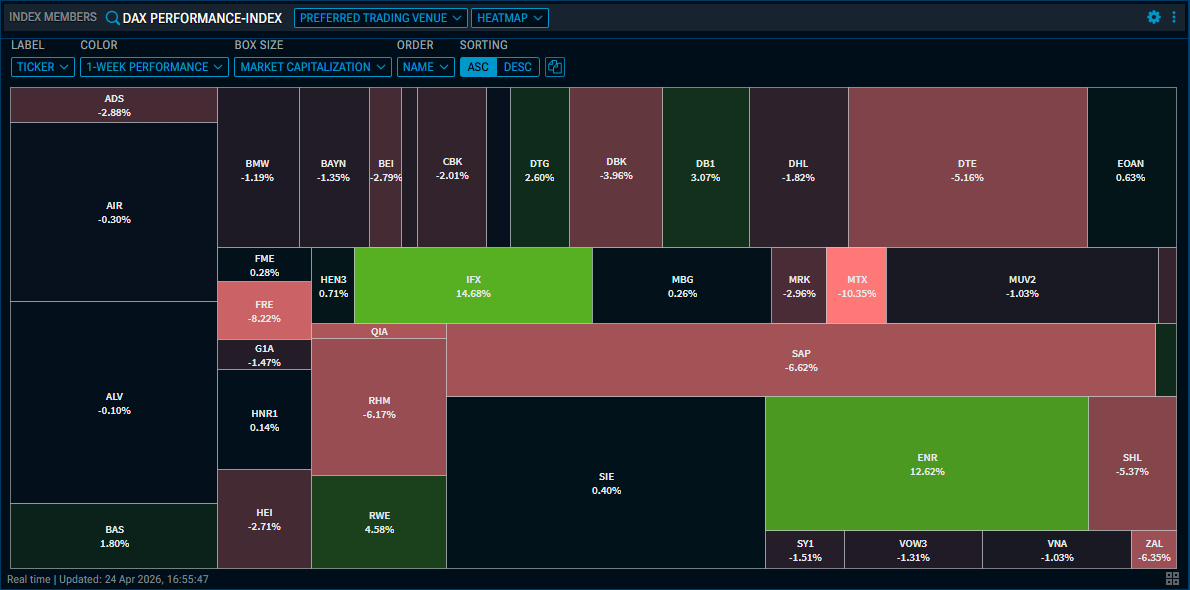
You can select this new view from the view selection list at the top of the widget. The configuration options above the heatmap offer a wide range of settings:
|
Element |
Description |
|
Label |
Use this drop-down list to select which label should be displayed in the tiles. You can choose from the following fields:
|
|
Colour |
Use this drop-down list to select the criterion that determines the colour of the tiles. You can choose from the following criteria:
|
|
Box size |
Use this drop-down list to select which field should determine the size of the tiles. You can choose from the following options:
|
|
Order |
Use this drop-down list to specify the display order. You can choose from the following criteria:
|
|
Sorting |
Use the “ASC” and “DESC” buttons to select the sort order. |

Copy chart to clipboard |
Select this icon to copy the heatmap to the clipboard. |
You can also use the EXPORT command in the widget menu to export the heatmap as a JPEG, PNG, SVG or PDF.
Screener: Open a comparison widget directly (Improvement – IM-14796)
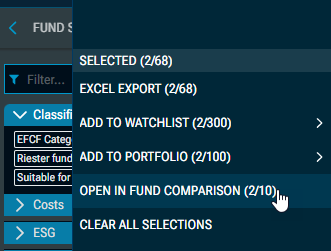
You can now open a comparison widget directly within the screener, featuring the instruments currently selected in the screener. Use this feature in the export drop-down menu of the results list for a quick, detailed comparison of funds, bonds, certificates or shares.
Example: Open the selected funds from the results list of the fund screener in the “Fund Comparison” widget: