
All Fields: New "Earnings per share" fields (Improvement – IM-14741)
In the “All Fields” widget, you will now find additional “Earnings per share” fields from S&P, which you can add as columns in other widgets, for example.
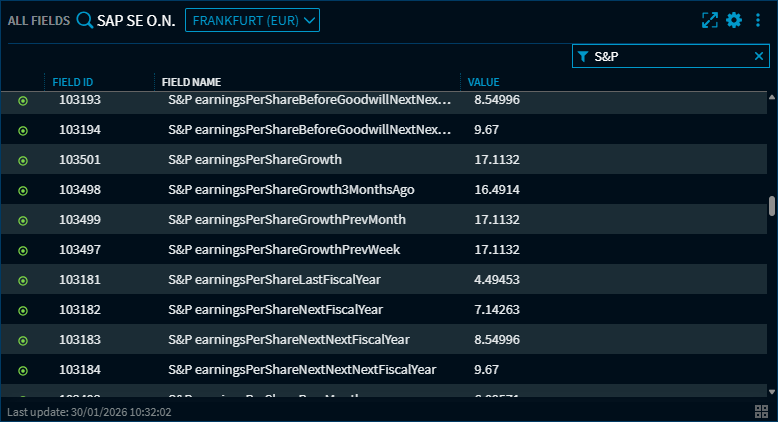
Please note that these fields are only available to premium users with the “Earnings Estimates” widget (from S&P) activated.
Analytics Widgets (WTK): Maximise widgets (Improvement – IM-14555)
You can now also maximise the analytics widgets using the familiar “Maximise widget” icon in the header of the widgets.
The widget will then be displayed throughout the dashboard. Clicking on the icon again will restore the original dashboard layout.
Chart Analysis: Copy function expanded (Improvement – IM-14630)
When copying a chart from the “Chart Analysis” widget or another chart widget to the clipboard, the aspect ratio and the currently selected chart type are now retained. Previously, the “Mountain Chart” chart type, for example, was simplified and copied as a “Line Chart”.
Dashboards: Description field added (Improvement – IM-14680)
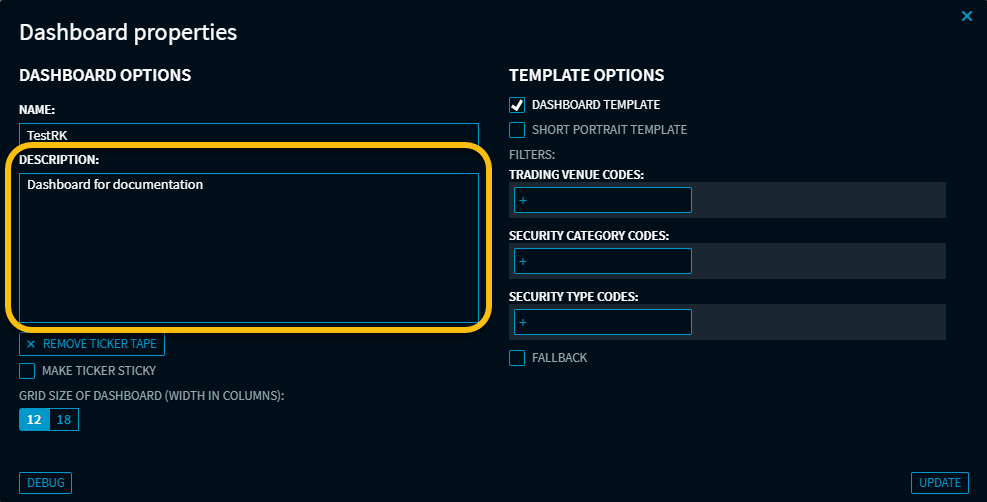
A new description field has been added to the dashboard properties to specify the content or purpose of the dashboard in more detail. In future, this field can also be used to better identify dashboards, e.g. in Explorer or an AI assistant.
Earnings Estimates: Currency information optimised (Improvement – IM-14736)
In the “Earnings Estimates” widget, the currency information for the trading venue and price target has been optimised and harmonised in the “Analyst Recommendations” view.
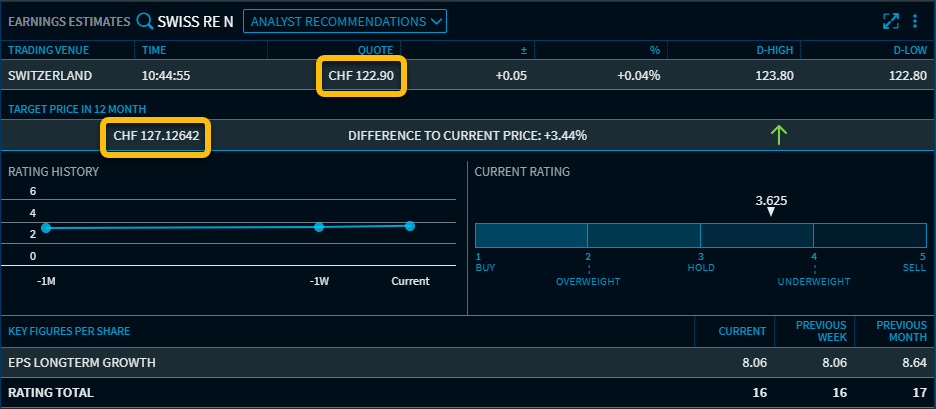
If the currencies differ from each other, the original estimates are also displayed when you hover over them with the mouse.
Widget settings: Unnecessary menus removed (Improvement – IM-14578)
The modal dialogues for widget settings have been removed for widgets that only have one setting (“Push”). This setting has been moved to the widget's context menu and can now be accessed more quickly.
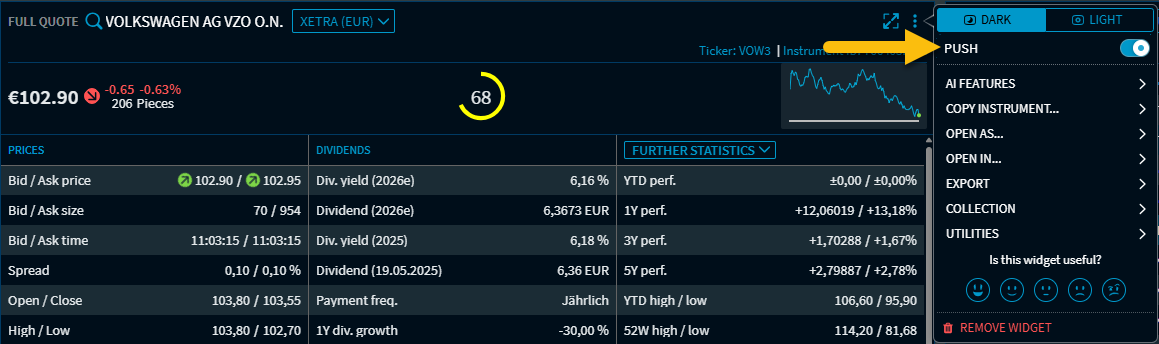
This change affects the following widgets, for example:
-
Full Quote
-
Trading Quote
-
Bond Data
-
Broken Date Calculator
-
FX Option Calculator
-
Top Derivatives and New Issues
-
vwd Pages