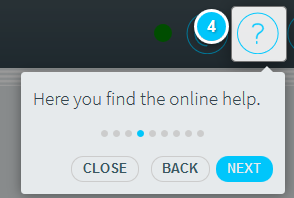
When you open the application for the first time, you will see introductory tooltips ("Intro") to get you up and running in Infront Investment Manager.
To repeat this introduction when you start the application the next time:
-

-
This opens the window showing your user profile.
-
In the "Intro" area, click the "Restart intro" button.
-
Select the close icon at the top right of the settings dialogue window to close the settings window and return to your dashboard.
This opens the dashboard showing the intro.