
In the settings menu (or in the settings of your user profile), you can quickly change the theme of your Infront Investment Manager. Currently, you can switch between the "Dark" (default) and "Light" theme.
To switch your Infront Investment Manager to the "Light" theme:
-

-
Click the "Light" icon in the menu.
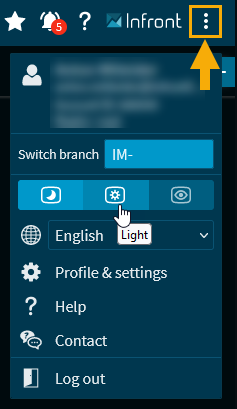
This changes the design.
From the widget menus, you can also change the theme.
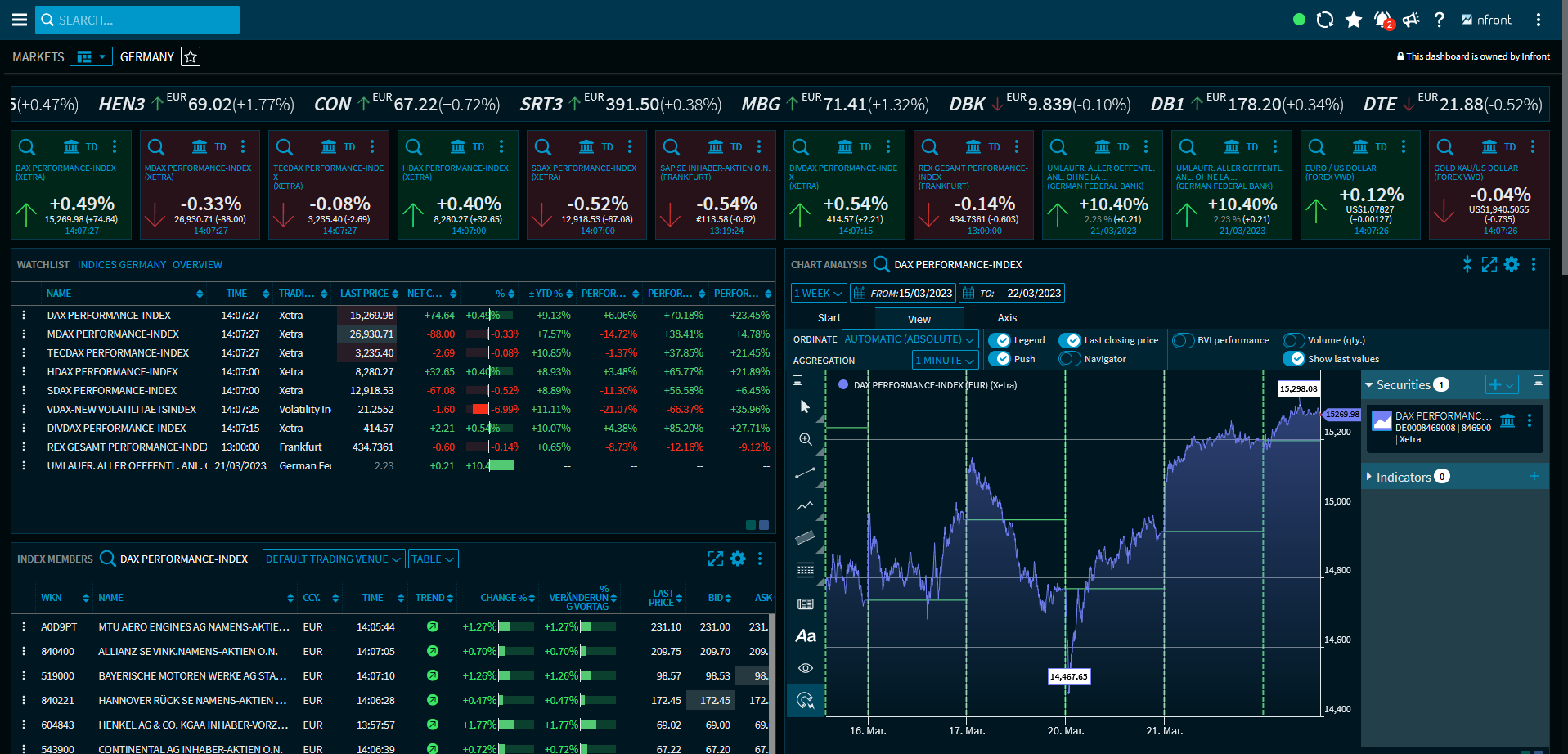
"Dark" theme
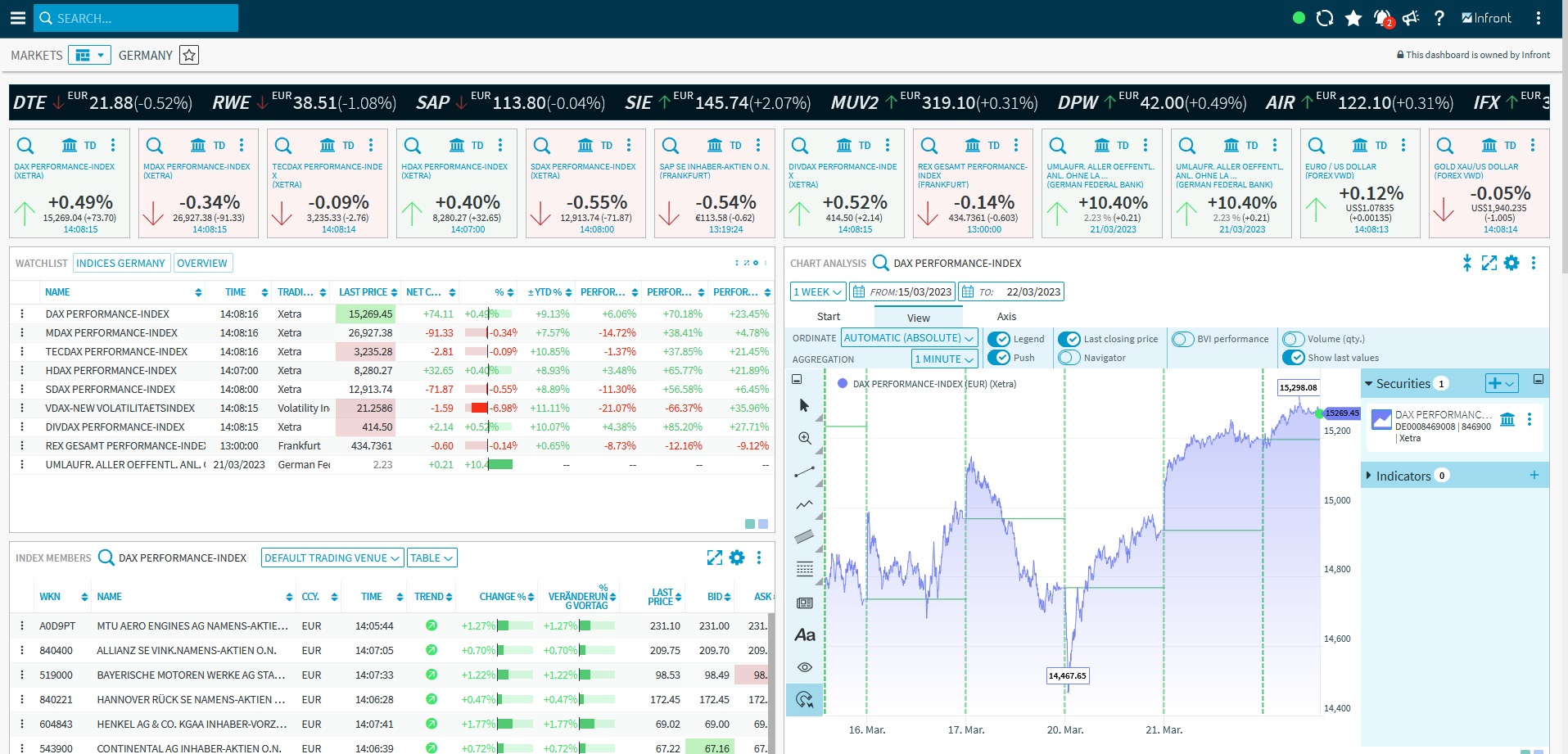
"Light" theme
Please note that the change to the "Light" theme is not possible with Internet Explorer 11. We recommend to switch to another browser.