
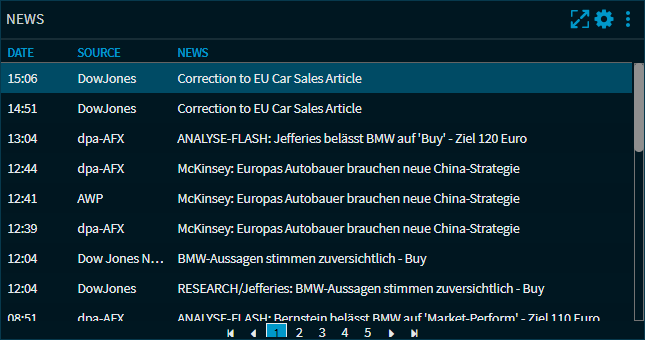
In this widget you can see the latest news on the selected share. The columns "Date", "Source" and "News" are displayed for each message by default. You can show and hide the columns via the widget settings.
The most recent news are shown at the top of the list. Click on a message heading in the "News" column to open the message text.
General functions in the widget:
|
Element |
Description |
|---|---|
|
|
With this icon at the top of the widget, you can enlarge the news widget to the maximum window size by clicking on it. Clicking on the icon again restores the original display. |
|
|
Select this "Widget settings" icon to open the "Settings" dialog window for configuring the widget (similar to the Infront Investment Manager). |
|
|
Use this icon at the top of the widget to open the widget menu . |
|
Page navigation |
If a large number of news items are available for this share, they are split over several pages. You can navigate through the pages using the navigation elements below the list. |


