

Use the "Widget settings" icon to open the "Settings" dialog window for configuring the widget.
Alternatively, you can use the "Settings" command in the widget menu.
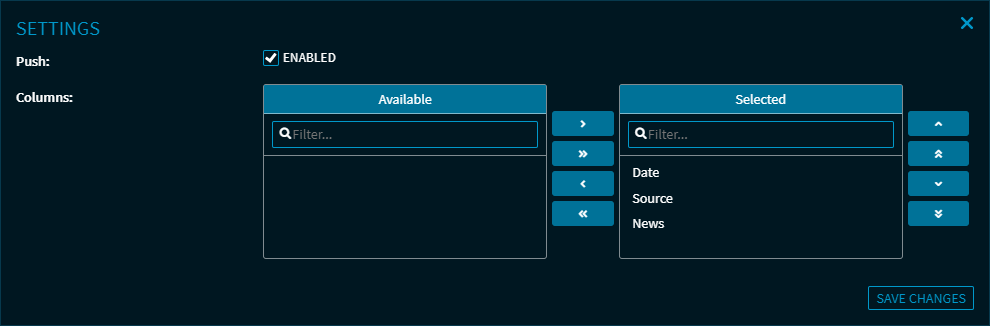
You can change the following settings here:
-
Enable or disable the push data feed
-
Show or hide columns of the table
If necessary, please also read the section Show and hide widget columns via the settings in the Infront Investment Manager help.