
On the left-hand side of the Compass you will find the list of recommendations with all products.
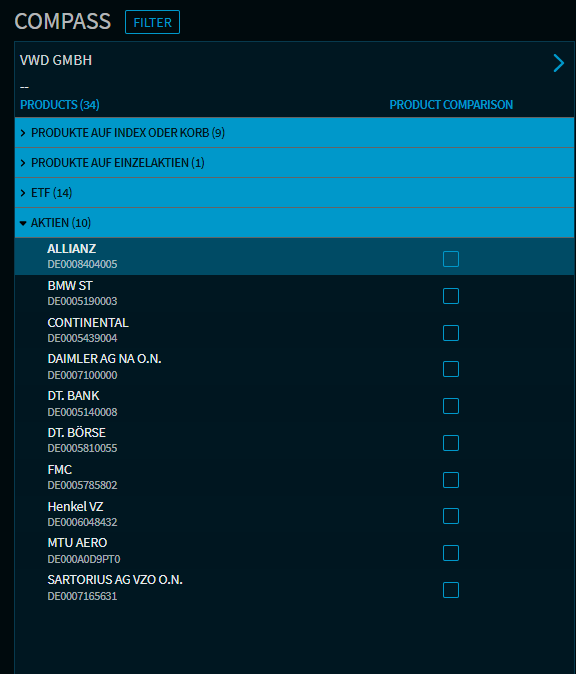
Recommendation lists with the available securities can be configured individually for each client. When a product is selected, the widgets displayed in the right-hand area are updated with the securities data.
In the default setting ("Compact list"), the securities are listed by name and ISIN. If an instrument is marked with an "*", it is a new issue.
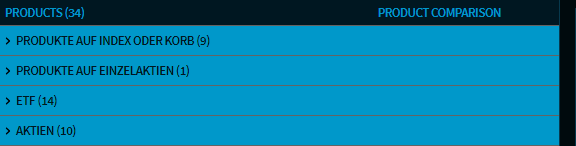
The list of recommendations is organized according to security types ("product types"); you can expand and collapse the individual categories with a click of the mouse and filter them if necessary.
You can expand the list using the arrow pointing to the right.
The following additional columns are then displayed here:
-
WKN
-
Underlying/sector/category
-
BVR risk class
-
Maturity
-
Investment horizon
Similarly, you can hide the additional columns again using the icon and return to the compact view. On smaller output devices, the list is completely hidden by default.