
You can export charts in Compass as PDF files. Proceed as follows:
-
If necessary, open the corresponding instrument in the evaluation area via the recommendation list.
-

You can open the exported PDF file directly in a PDF viewer.
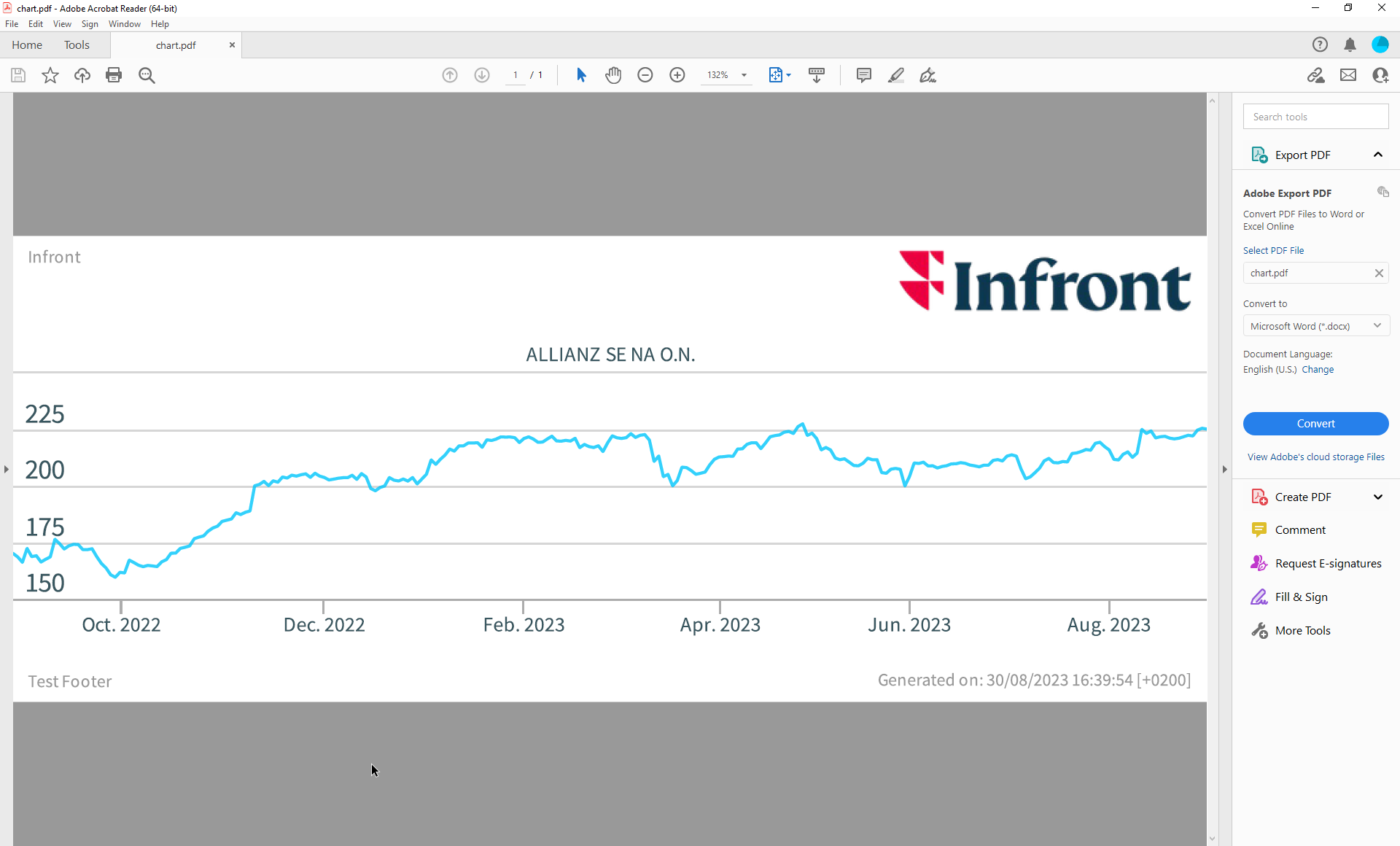
Charts are always exported in a light design regardless of the design set.