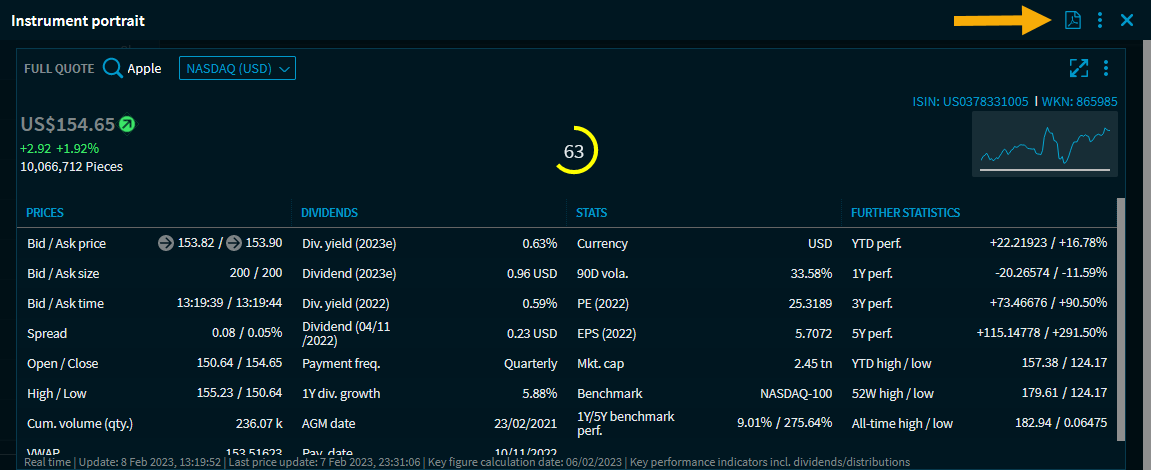
In addition to the instrument profiles, which are opened, for example, after selecting a search result in the general search, the PDF instrument profiles are available as a further form of presentation in Infront Investment Manager.
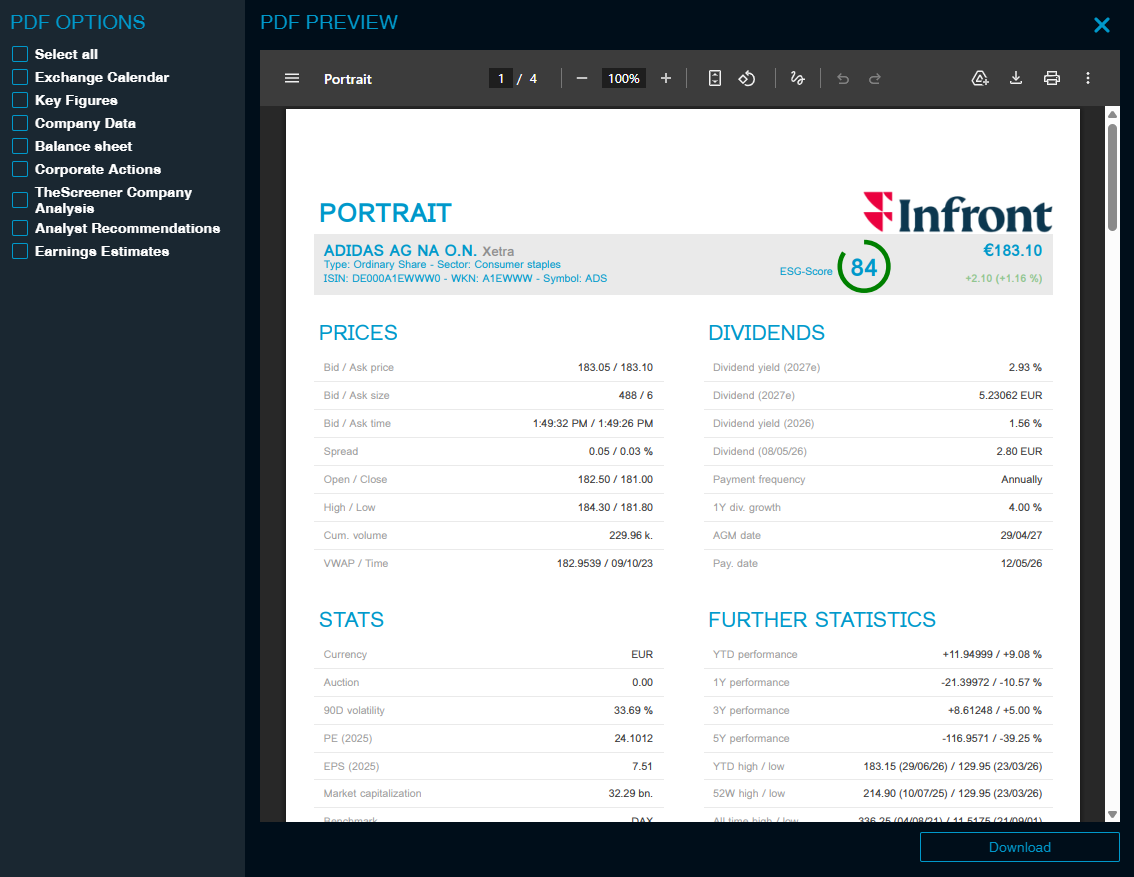
You will find the command "Instrument profile" profile or the icon of the same name for opening a PDF instrument profile in many prominent places in the program:
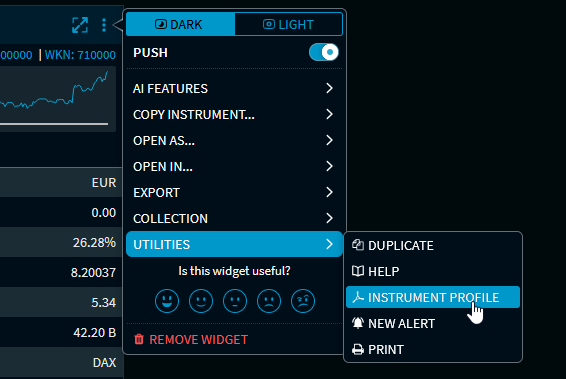
The "Instrument profile" command in the menu icon of many widgets
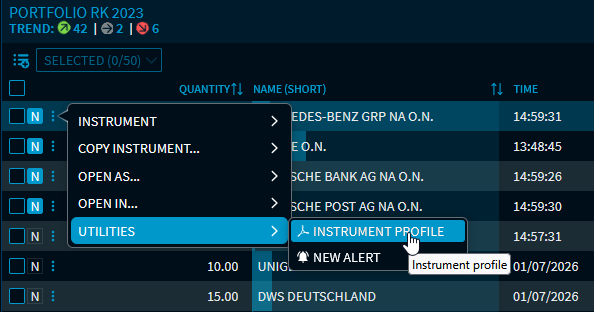
"Instrument profile" command in the menu of the instruments of a watchlist or portfolio
"Instrument profile" icon of an instrument profile