
Open instrument profiles can also be opened directly as a PDF instrument profiles. To do this, follow these steps:
-
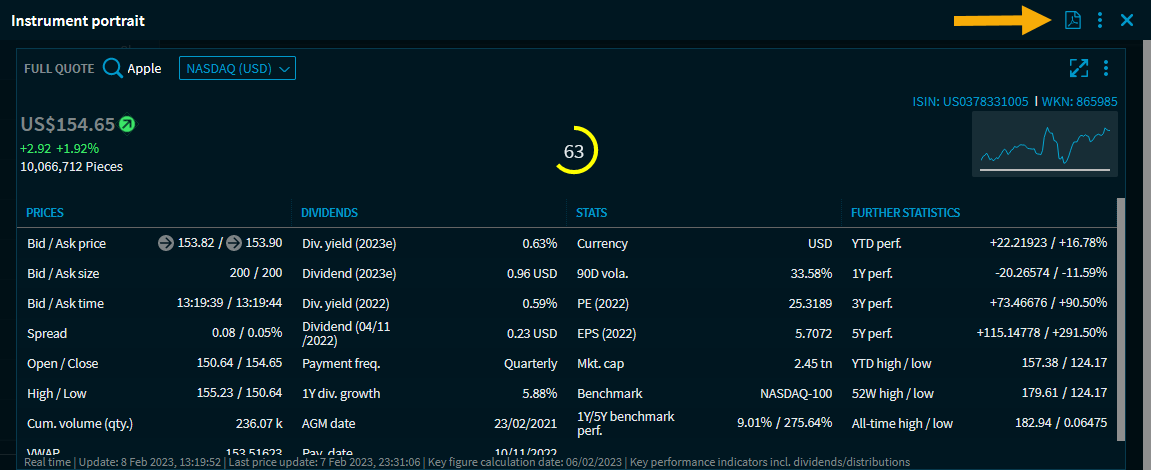
Click the PDF icon in the header of the instrument profile (alternatively, select the "Instrument profile" command from the menu icon of the instrument profile). You will also find a corresponding command in the widget menus.
-
Then specify the relevant settings for the PDF file in the dialogue window that appears.
For more information about the other settings, see Configure PDF instrument profile.