
Use the list of your own screens to open a screen by clicking the tile on the Screener start page. Here, you find the recently added screens.
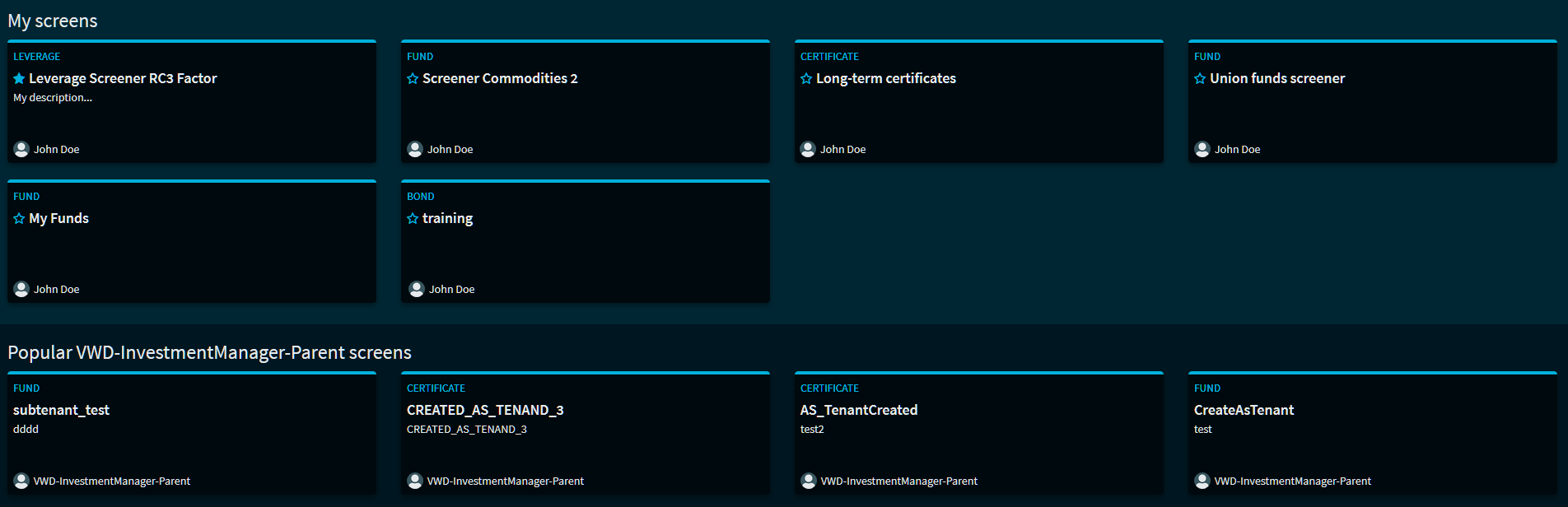
You can also quickly start the favourites you selected by clicking the respective tile - favourites are sorted at the top of the list of your own screens.
Under your personal screens, you find further in-house or predefined screens available to you.
By clicking the button in the right upper tile, you jump directly to this lower area where you can open the relevant screen.

By using the Screen Search, you can quickly find the desired screen in extensive lists.