
In an open screen that is already saved, you can also see or edit its settings. To do this, follow these steps:
-

-
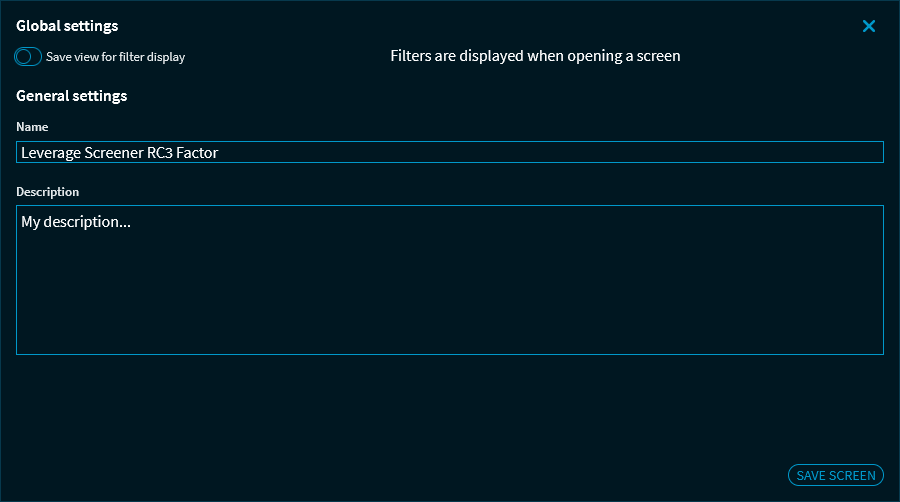
Make the required changes in the "Settings" dialogue window that appears.
-
In the "Global settings" area, you can select the "Save filter view setting" checkbox.
-
In the "General settings", you can change the name of the screen and enter a description.
-
Click the "Save screen" button to apply your changes and close the "General settings" dialogue window.
The changes are saved and a corresponding message appears.
The names and descriptions entered here will then also appear in such widgets as "Screener results".