
When you click an instrument in the results list in the screener to select it, then a short portrait of the security opens with all imports price date including the chart.
Alternatively, you can also use the SHORT PORTRAIT command from the menu icon of the securities in the result list.
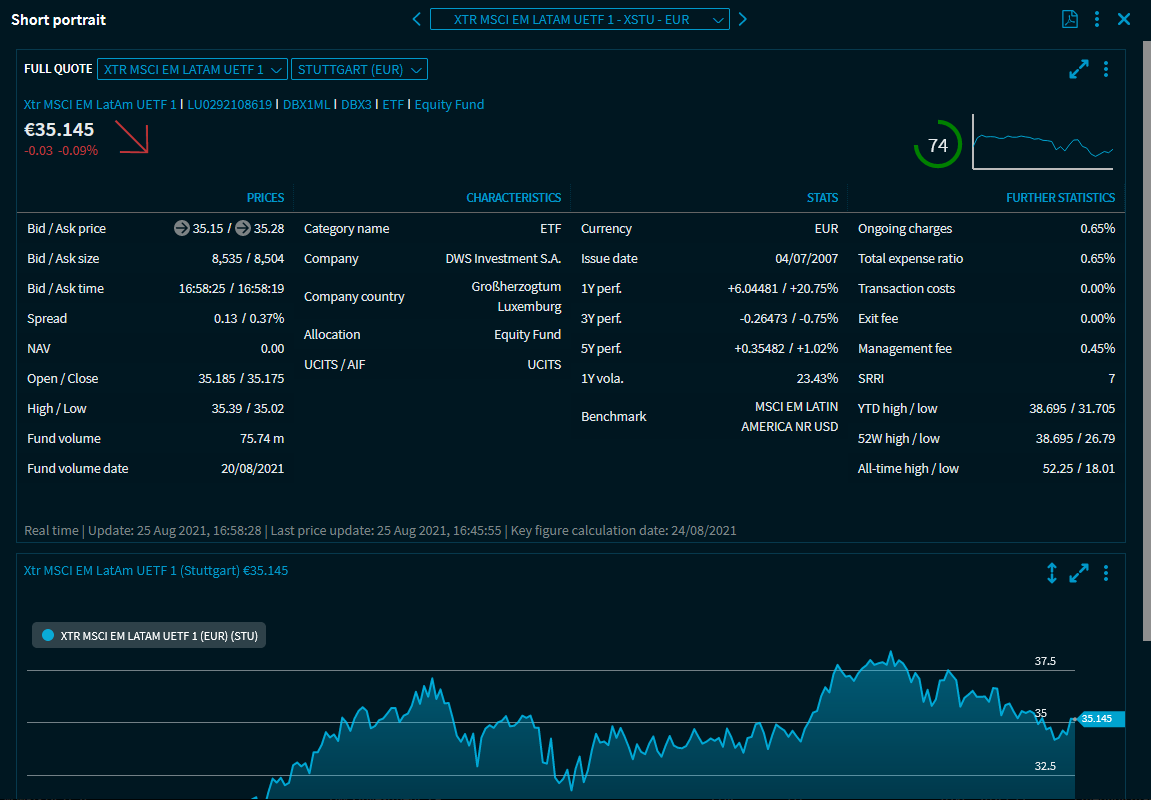
Use the drop-down list in the upper area of the short portrait to show another instrument from the results list in the short portrait. Use the arrow icons to page through the results list.
Depending on the security type and the configured overlay template, you will then see prices, characteristics and key figures for the security in the widgets of the short portrait. In these widgets, you will find the functions known from the "normal" dashboards.
For more information, see Short portraits.