
Once you have opened Infront Investment Manager, there are several ways to open the Help Center.
Open Help Center via the icon in the title bar
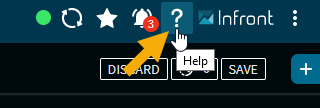
Click on the "Help" icon in the title bar of Infront Investment Manager to open the help homepage of Infront Investment Manager in a new browser window.
Open the Help Center via the settings menu
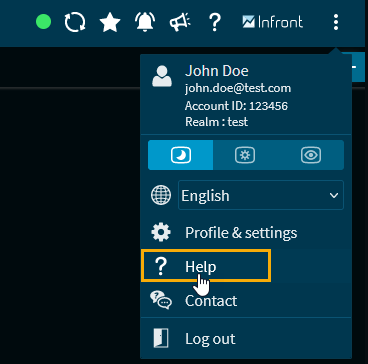
The HELP command in the settings menu of Infront Investment Manager also opens the help home page of Infront Investment Manager in a new browser window.
Open Help Center by using the widget menu icon
Open Help Center by using the widget menu icon
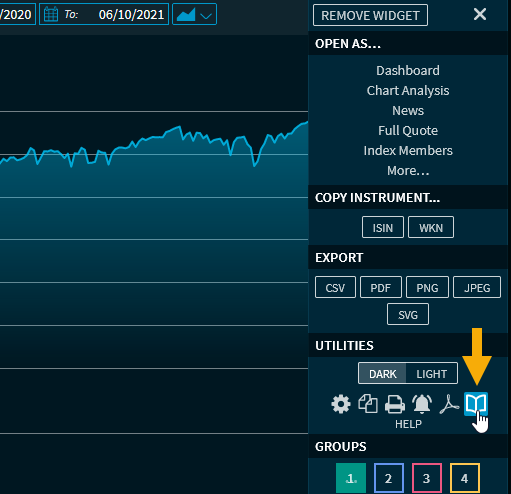
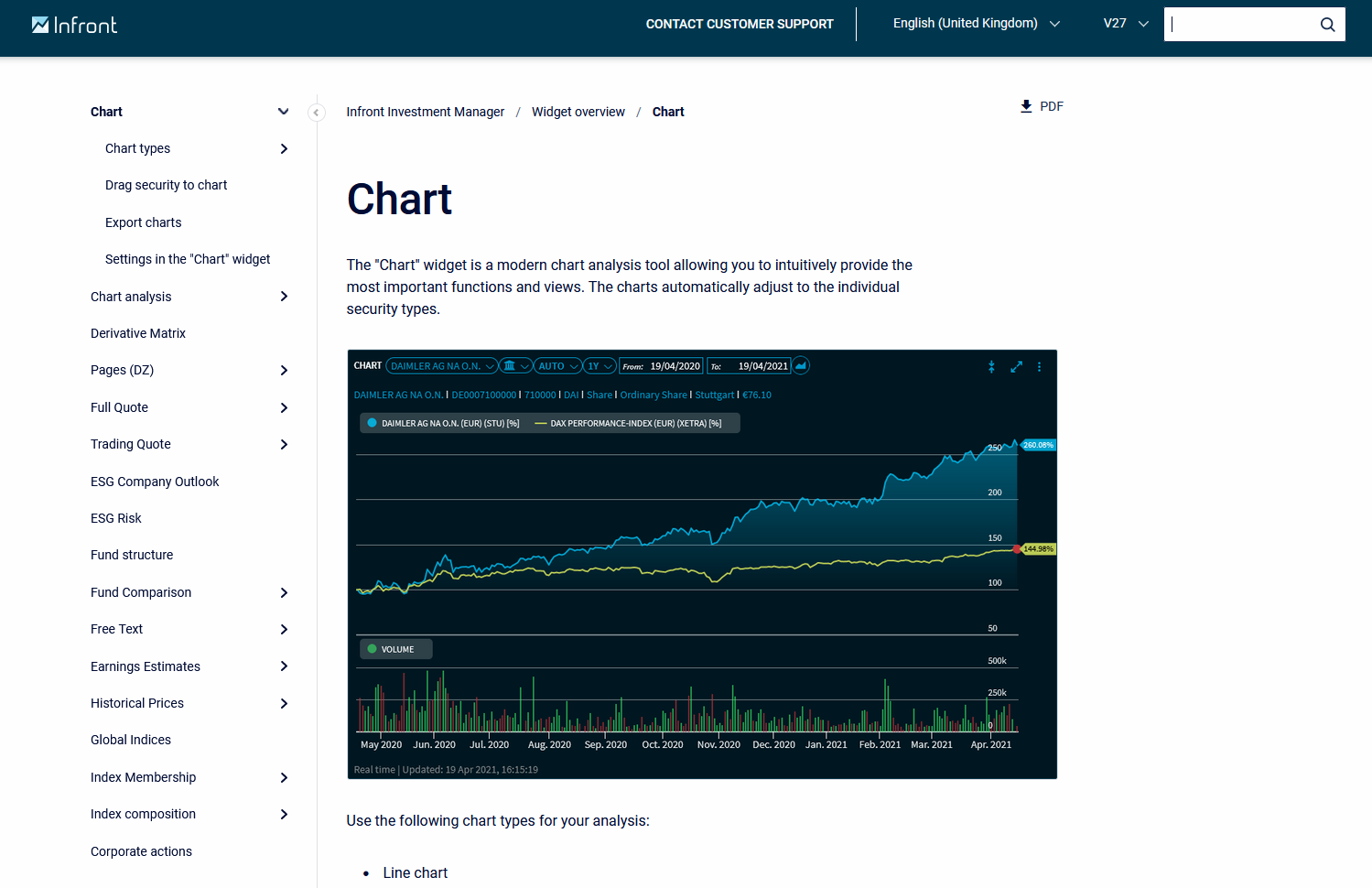
In the menus of the widgets you will find a help icon that you can use to go directly to the corresponding help page in the Help Center.
Furthermore, you will already find a "Help Center" tile on the product selection page ("Landing Page"), which you can use to open the Help Center at any time without starting a product.